← Back to Fleet
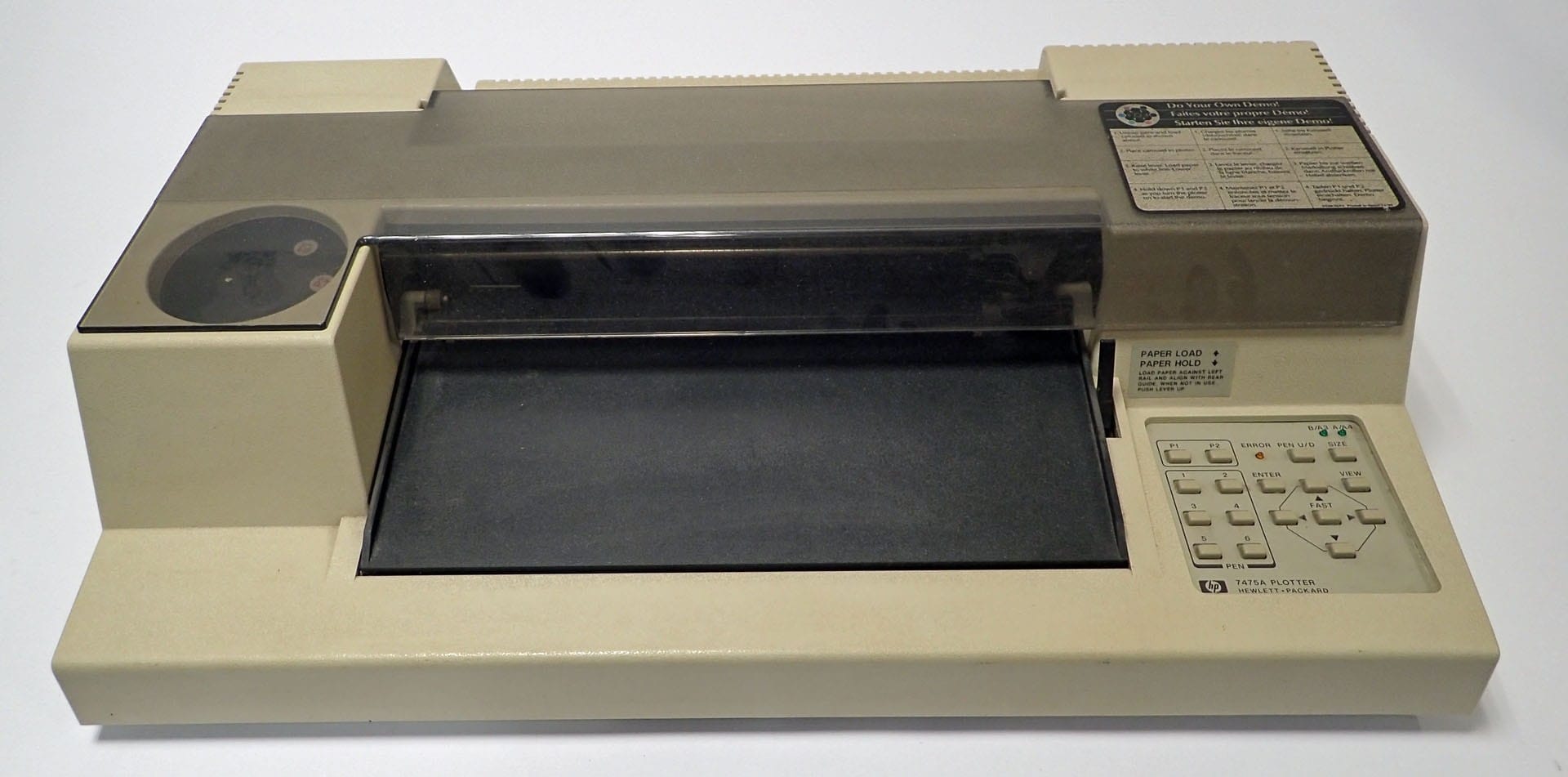
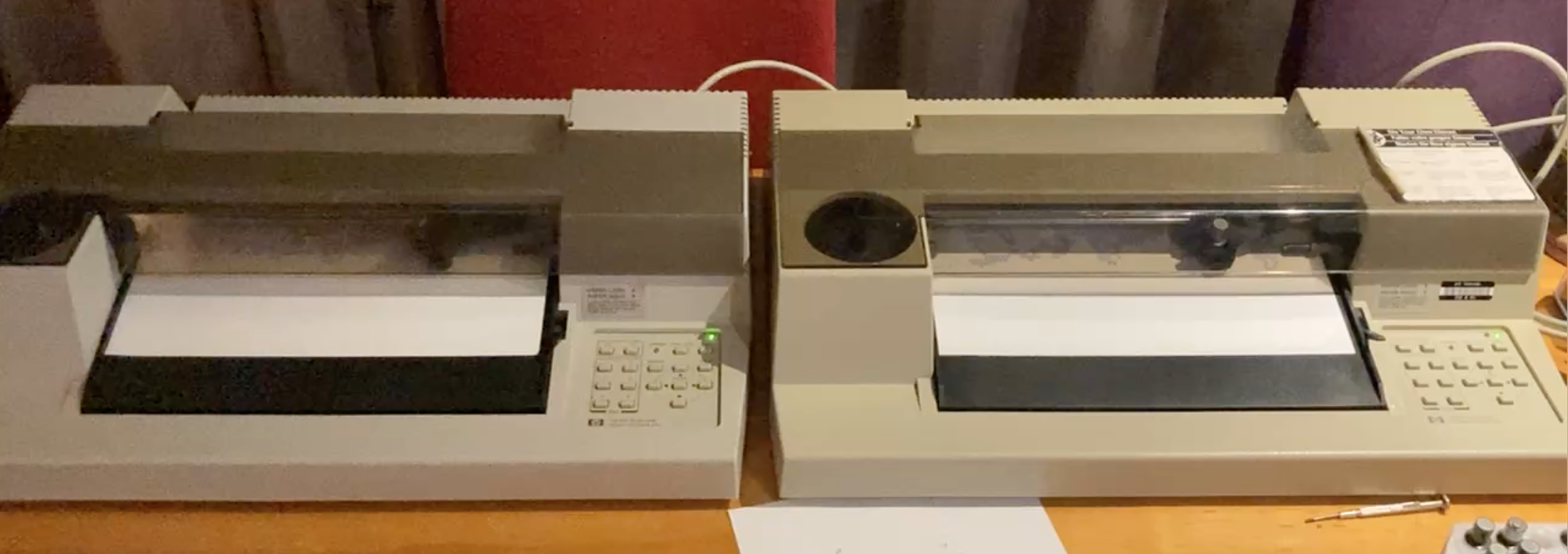
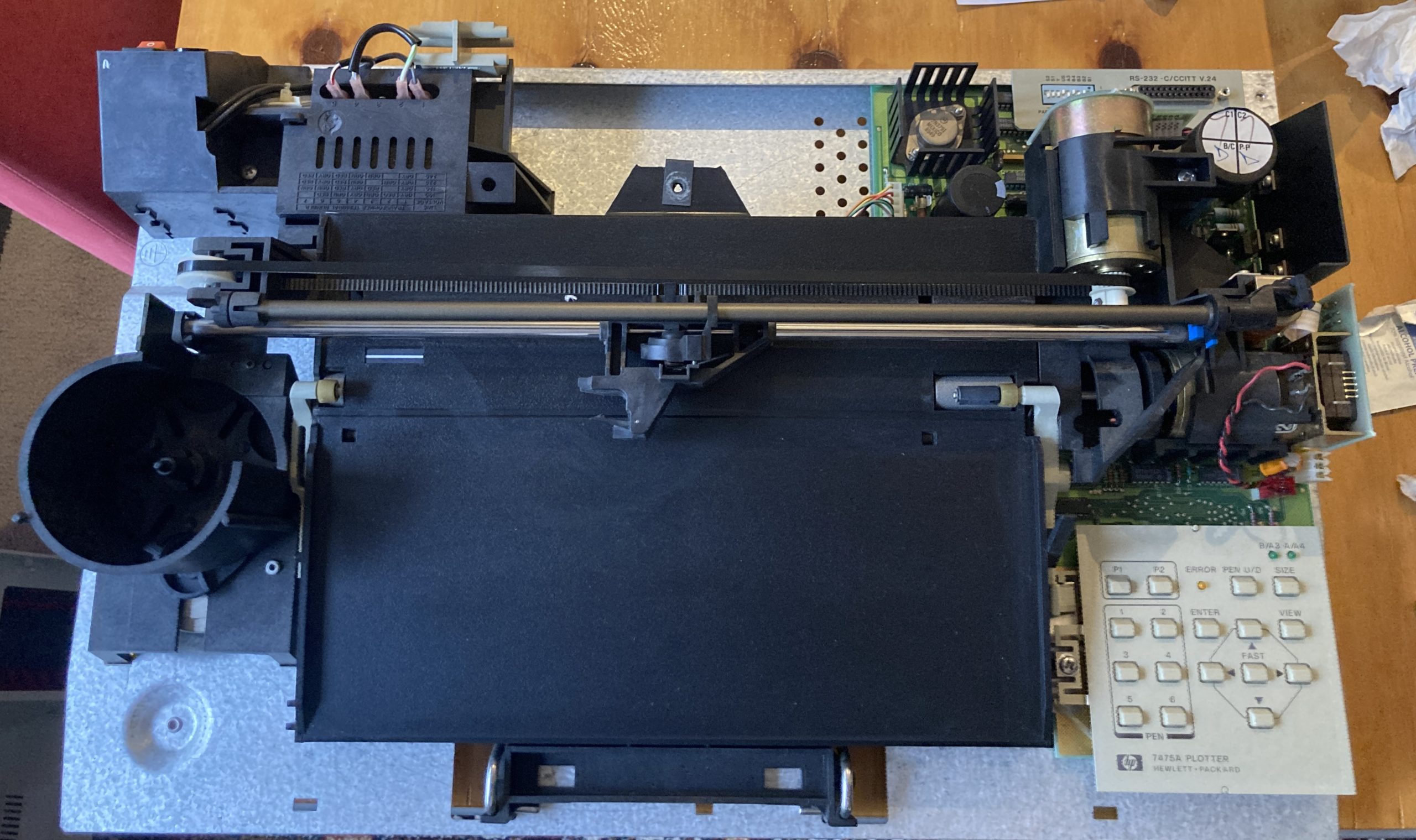
HP 7475A (2)
WorkingHewlett Packard
The HP 74 75A color desktop plotter produces high-quality A4/A- and A3/B-size color graphics for business and PC CAD applications. The HP 7475A is ideal for professionals who need the larger drawings for PERT charts, flow charts, project schedules, and design applications. It also produces professional-quality color overheads for presentations and colorful summary charts for handouts and reports.
Specifications
Model
7475A
Model Year
1983
Build Year
1989
Max Paper Size
A3
Number of Pens
6
Max Speed
40 cm/sec
Resolution
0.025 mm
Resolution (mechanical)
0.025 mm
Interfaces
Serial (RS-232-C), HP-IB
Data Buffer
1 kB
CPU
Motorola 6802 (Engineered by HP)
ROM Version
Command Language
HPGL
Confidence / Demo mode
Basic test:
1. 2. 3. Make sure six pens are installed in carousel and plotter is on.
With paper loaded, lower PAPER LOAD lever to PAPER HOLD position.
Press a PEN key to select a pen and then use Cursor keys to test selected
pen.

Demonstration plot - Perform the following procedure to draw a bar, pie and line
chart.
1. 2. Make sure six pens are installed in carousel and plotter is off.
With A/M-size paper loaded, lower PAPER LOAD lever to PAPER HOLD posi-
tion.
3. While holding the P1 and P2 keys, turn plotter on.

Troubleshooting test - The following procedure exercises both motor drive circuits,
motors and encoders, the servo chips, error light circuit, gate arrays, microprocessor
and ROM.
1. 2. 3. 5. Make sure paper is loaded and plotter is on.
Manually move pen carriage near center of its travel.
Hold ENTER key while turning plotter on. The ERROR light should remain on.
4. Press <-- key.
If successful, the ERROR light should turn on and off continuously, and pen
carriage and paper should move left and right about 6.4mm continuously.
6. Press ENTER key to pause test and <-- key to resume test. To terminate test,
turn plotter off and back on.
Documentation
Gallery