

Description
What Makes It Special
Deep HPGL Understanding
Our parser handles 23 essential HPGL-1 commands: AA, AR, CI, DF, EA, EP, ER, FP, FS, IN, IP, LB, PA, PD, PM, PR, PU, RA, RO, RR, SP, VS, and WG. No more mysterious rendering gaps.
Smart Visual Features
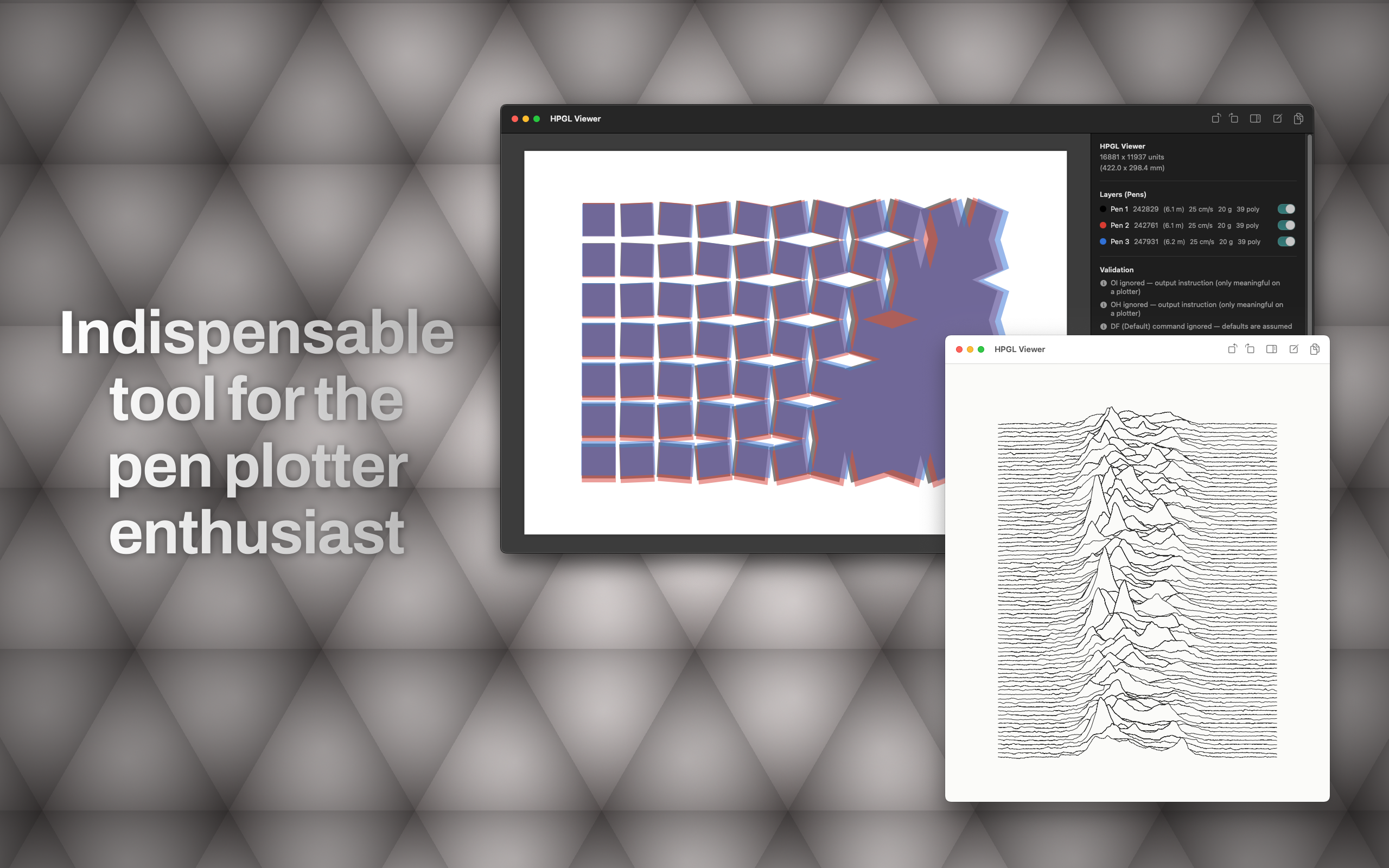
- Fill Rendering (FP): Polygon fills displayed at 50% opacity so you can see overlapping areas clearly.
- Hershey Text (LB): Labels rendered crisp using Core Text, just like your plotter would produce.
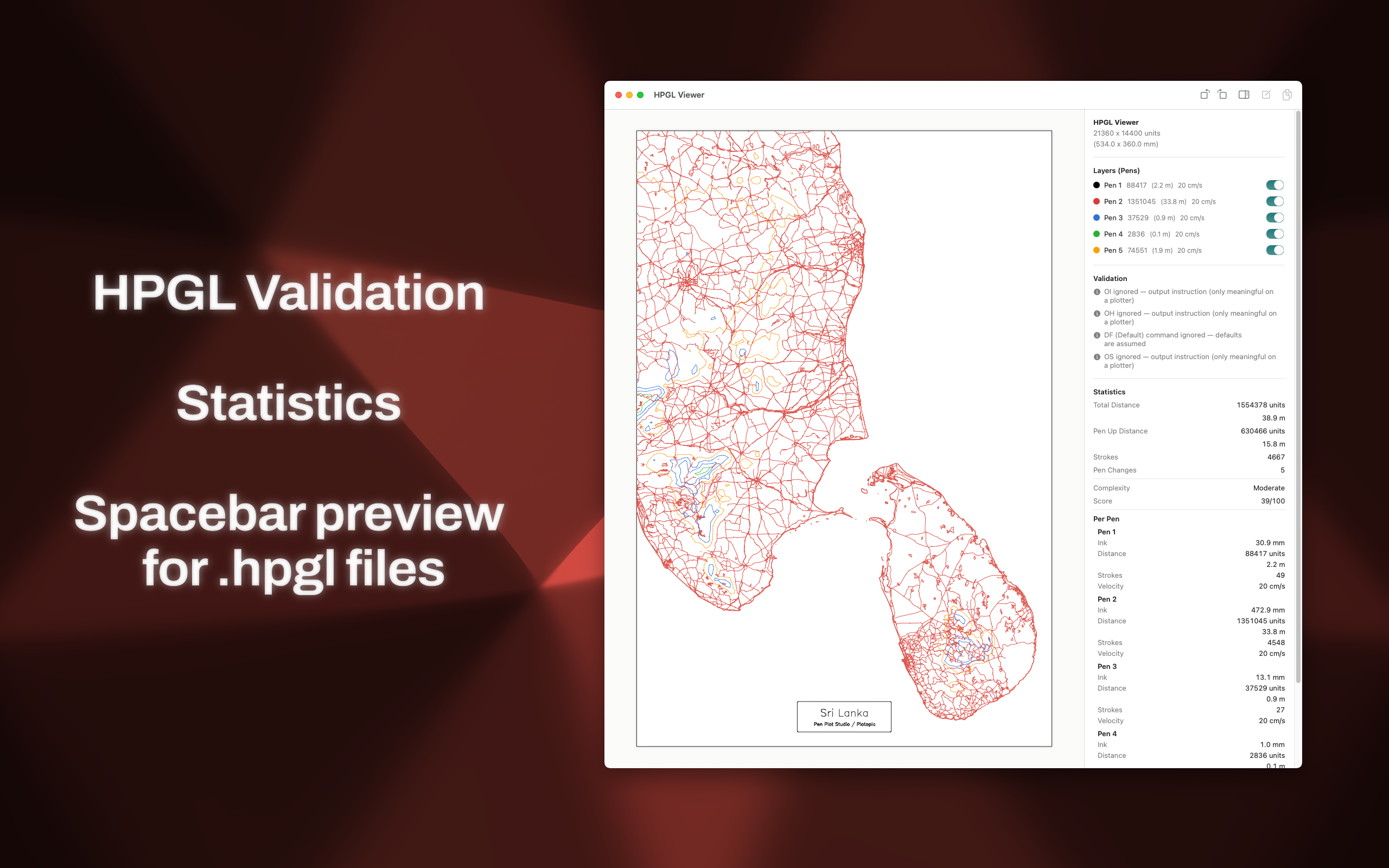
- Per-Pen Layers: Assign distinct colors to pens 1–10. Toggle visibility instantly to isolate specific drawing passes.
Precision Navigation
- Pan & Zoom: Scroll wheel for center-based zoom; click-drag to pan across infinite canvas space.
- Page Layout Detection: Automatically finds the largest axis-aligned rectangle in your HPGL data and creates a paper-like backdrop with shadow.
- Pro tip: Add a separate SVG layer for
pen99with a page-sized rect for consistent layout previews.
- Pro tip: Add a separate SVG layer for
Powerful Statistics
Know exactly what you’re sending to the plotter:
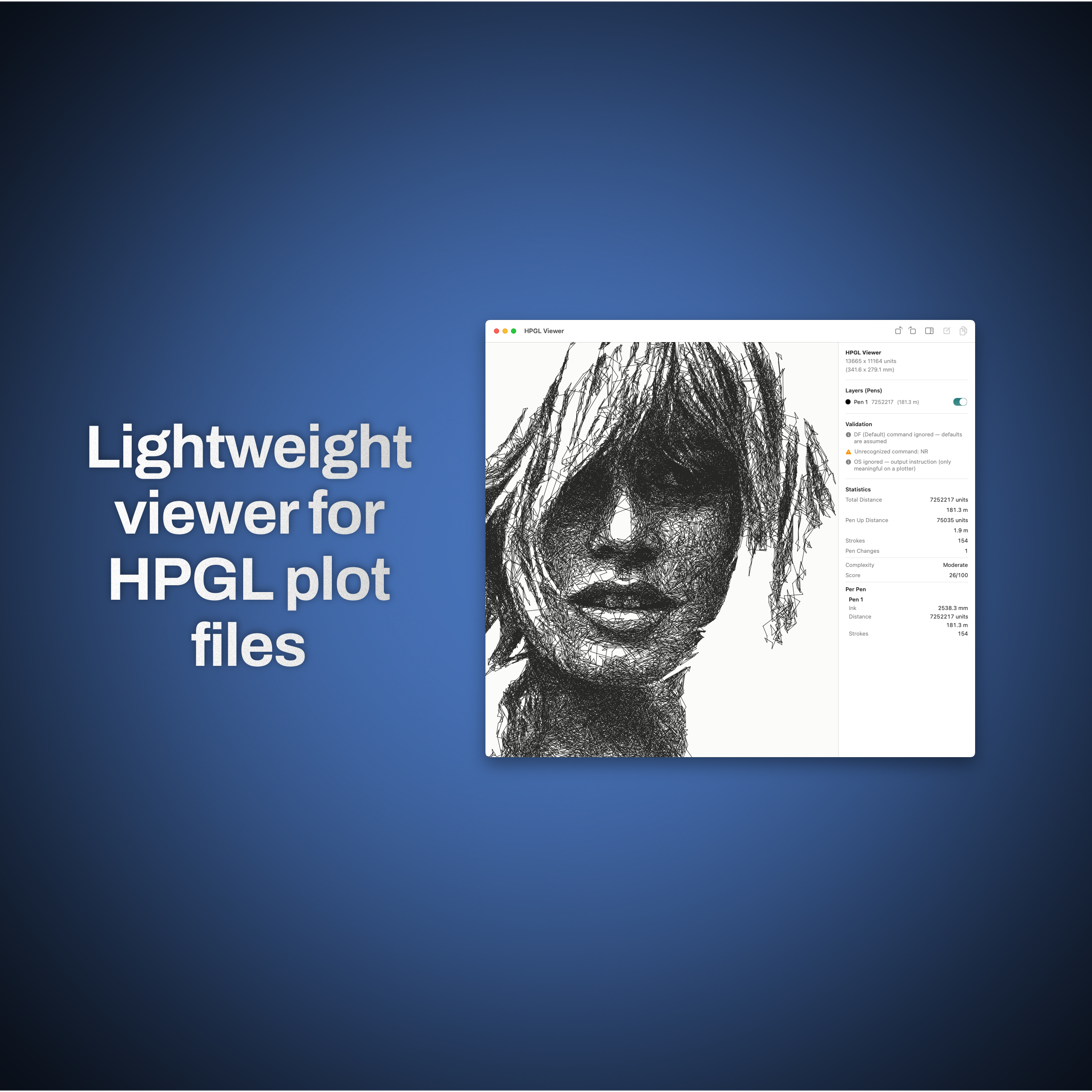
- Per-pen statistics: pen-down/up distances, stroke counts, polygon perimeters
- Pen change frequency
- Estimated ink usage calculation
- Overall complexity score
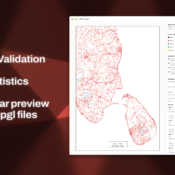
Built-In Validation
Your safety net during production. The Info Panel shows:
- Information: Unrecognized commands (for transparency)
- Warnings: Ignored plotter-output instructions that might affect results
- Full diagnostic breakdown at parser level
⚡ Finder Integration
Press Spacebar in Finder for instant QuickLook preview of .hpgl files. No app launch required. Spot-check your files faster than ever before.
Another Pro tip: Use the CLI app in combination with vpype for quick workflow: .svg -> .hpgl -> HPGL Viewer (with stats)
