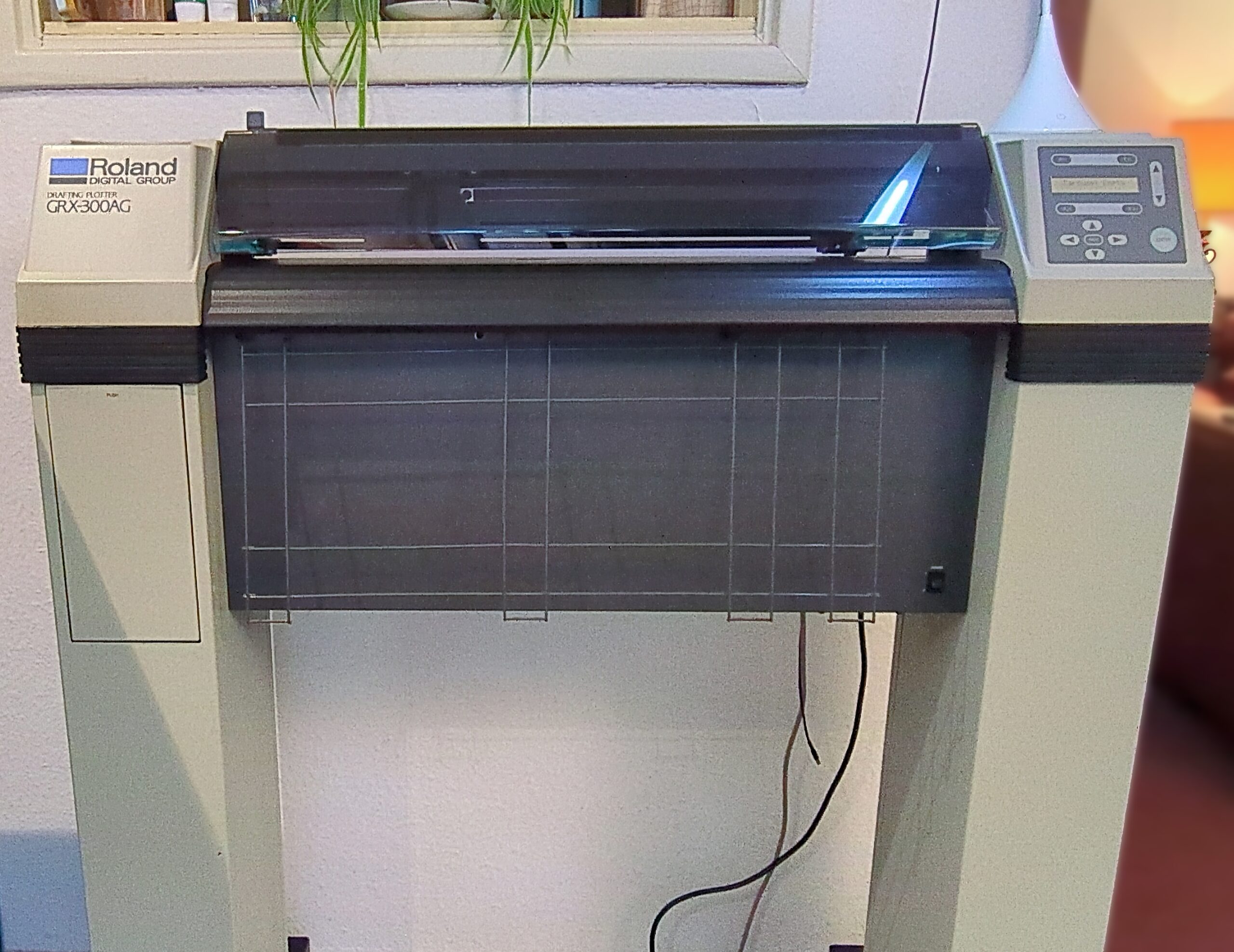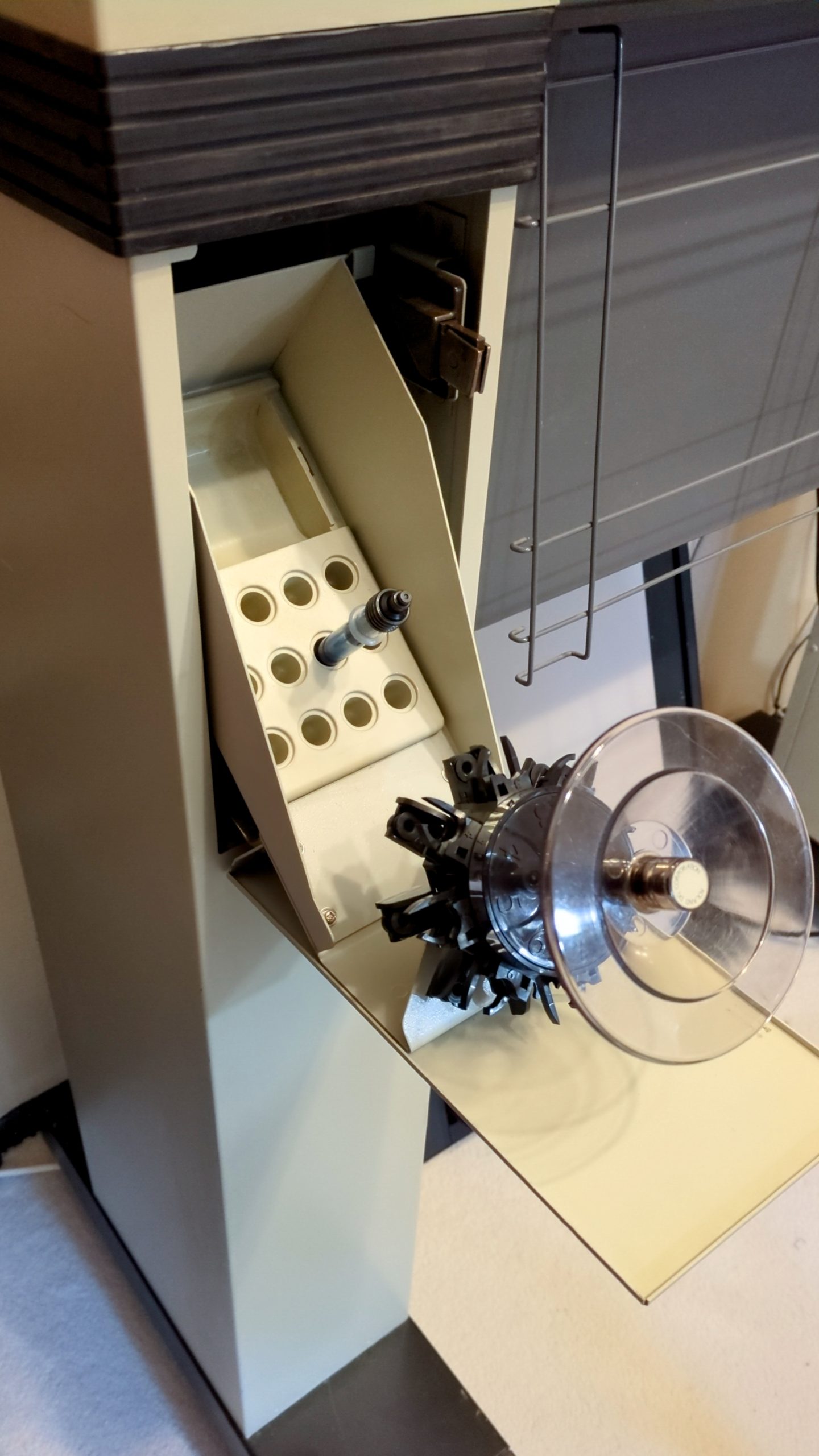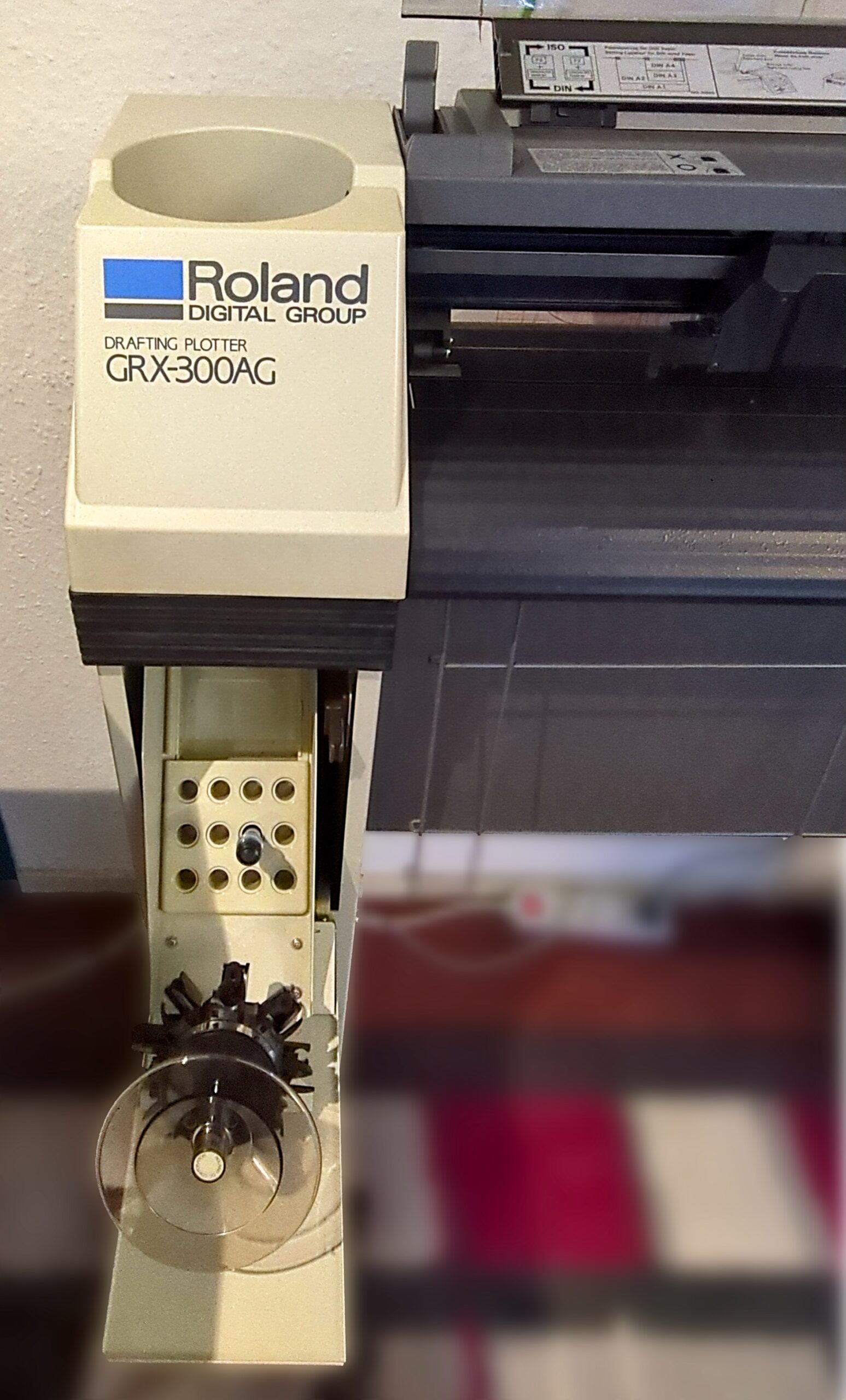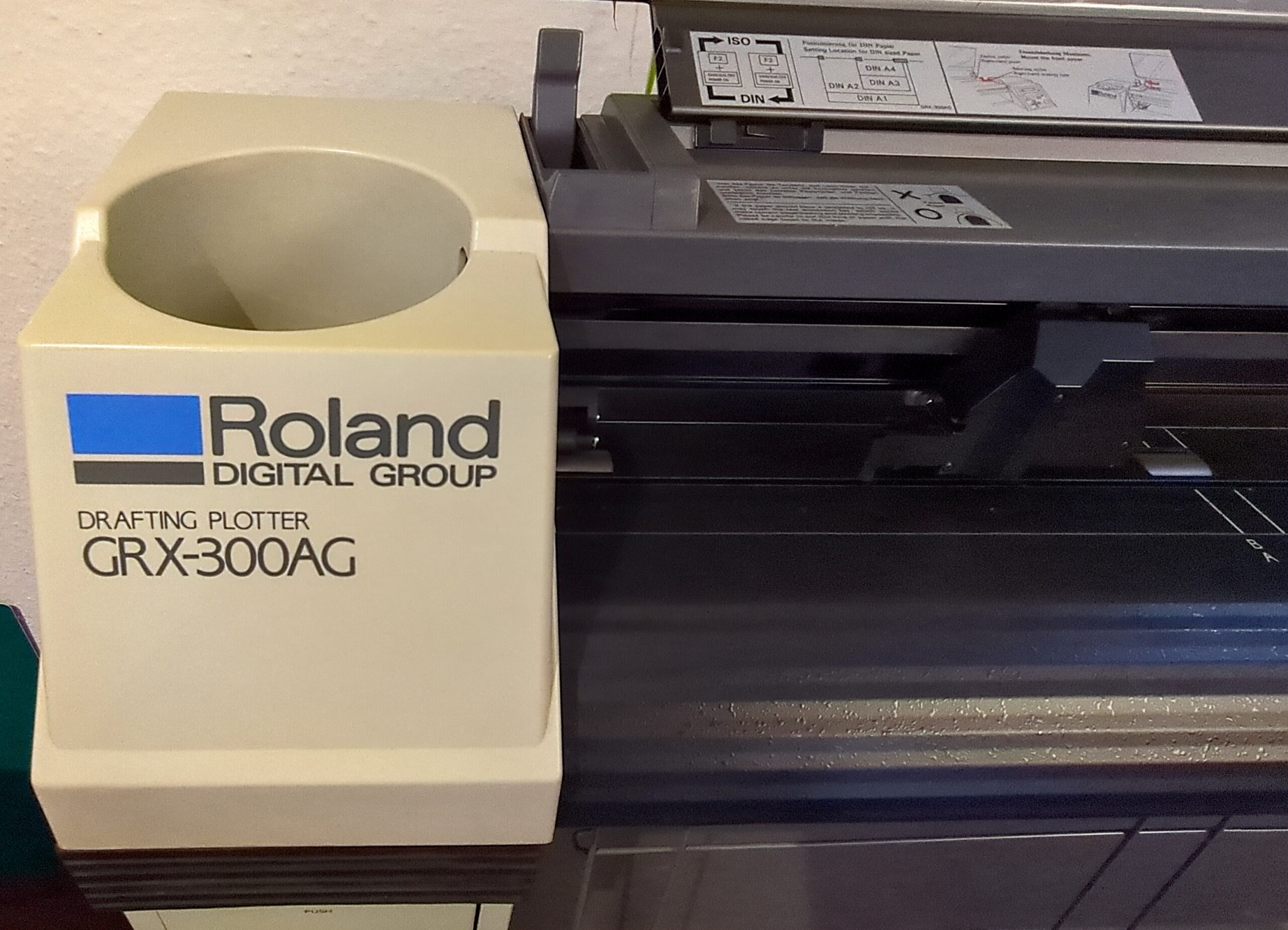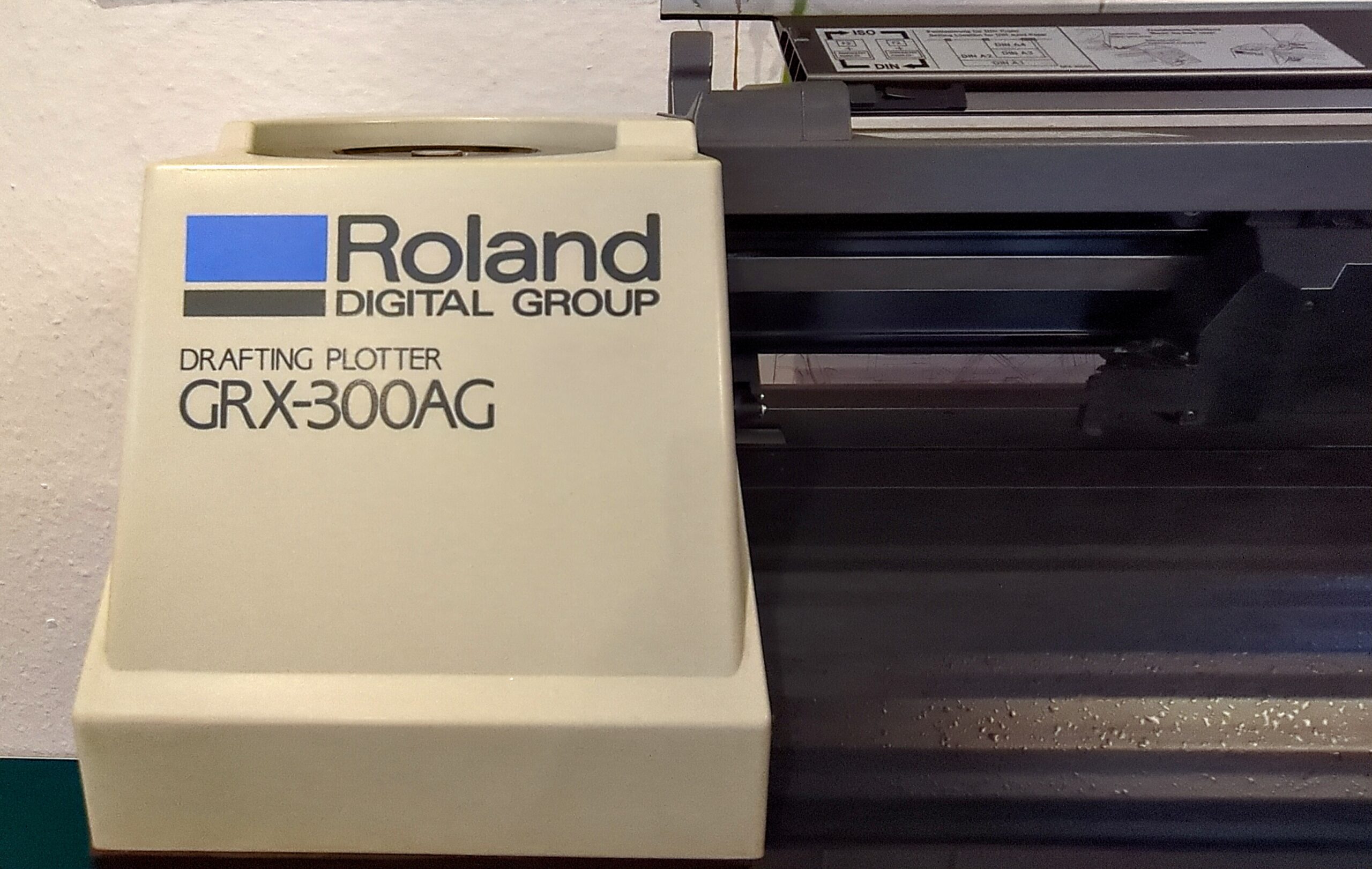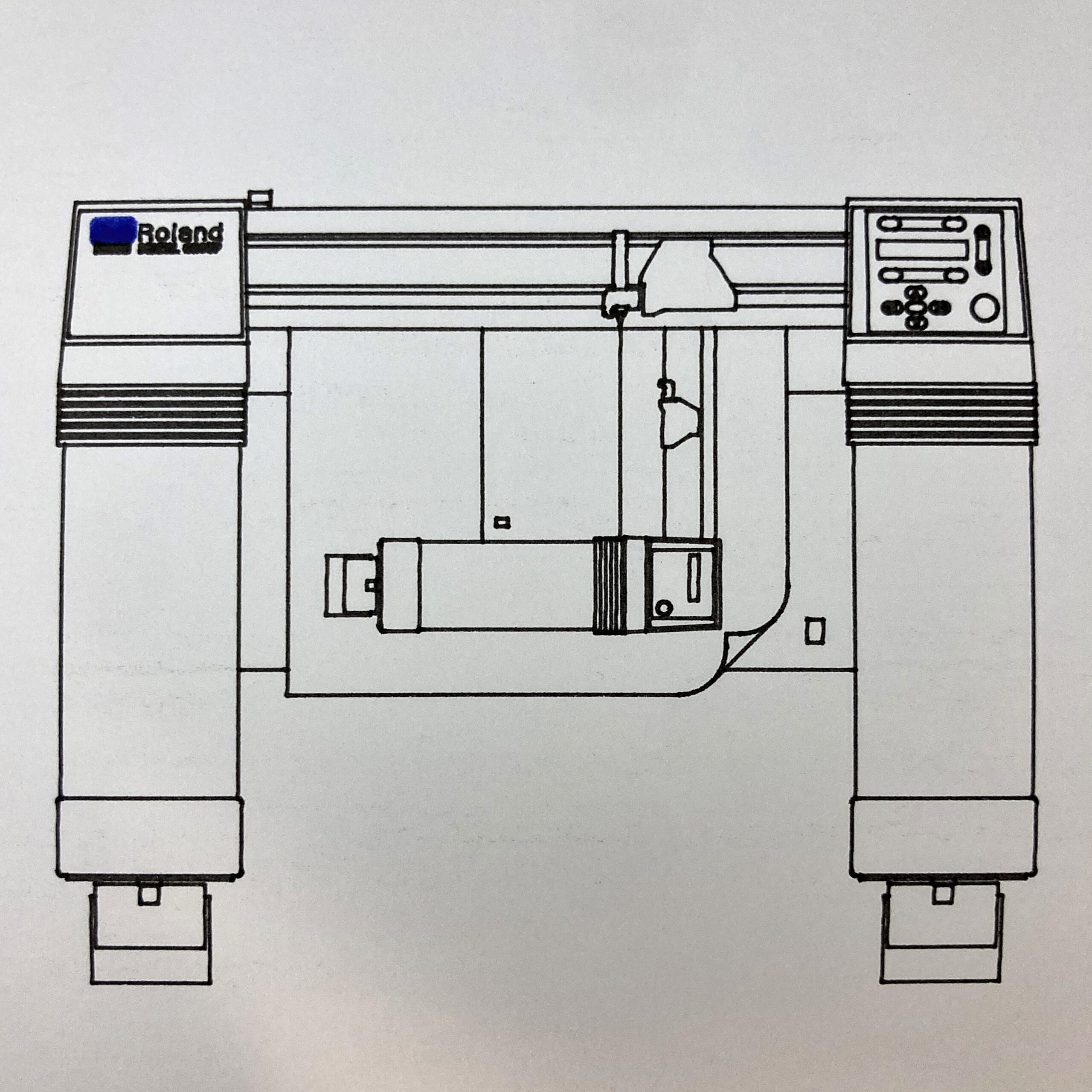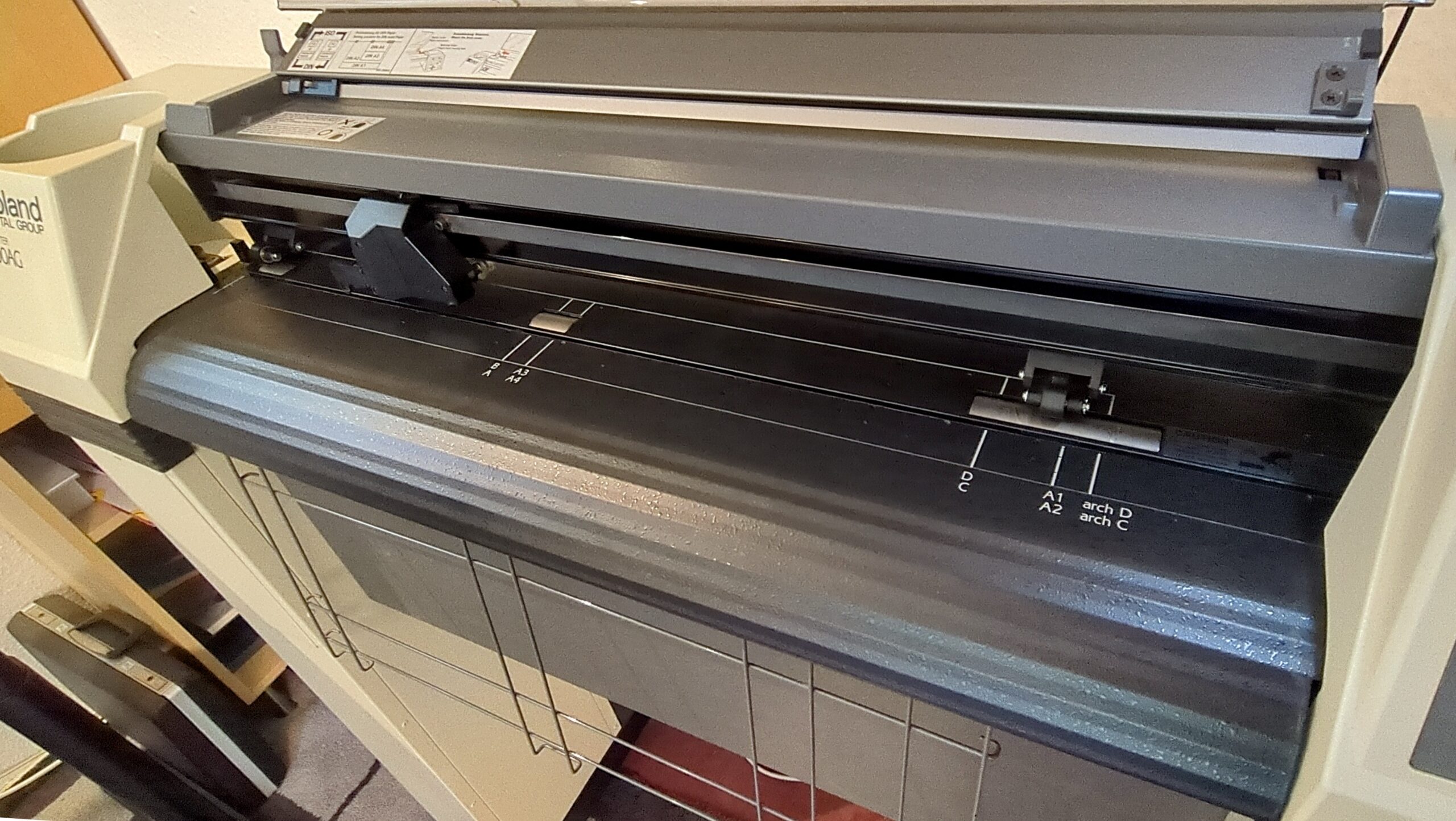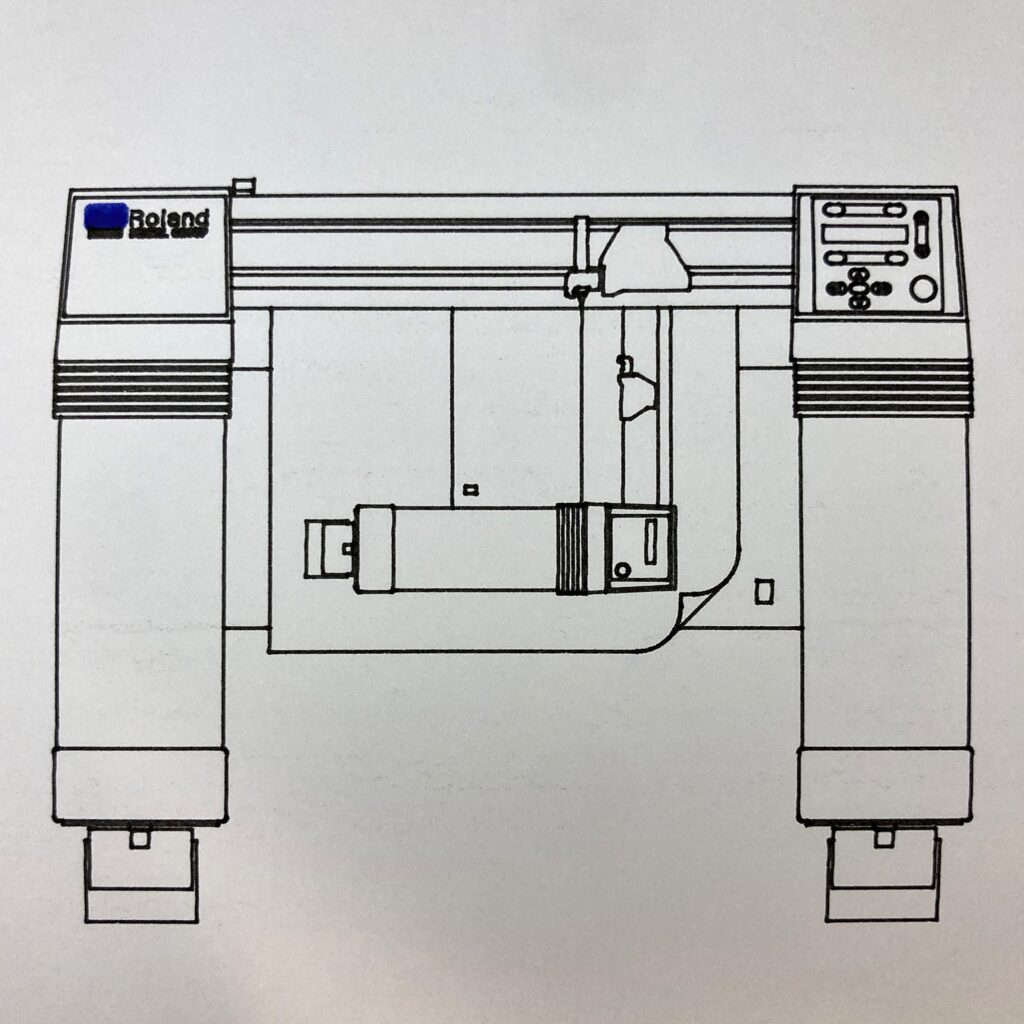
Every now and then, a plotter appears on the Dutch secondhand market that barely registers in online archives—no manuals, no chatter, no accolades, just a mysterious metal beast waiting for a second chance. This particular Roland caught our eye immediately. While we’re no strangers to Roland’s flatbed plotters, this large-format gritwheel model was a rare find: modern enough to still be useful, yet vintage enough to carry a story worth telling. Plus, it comes with a built-in storage box in one of its legs—a handy feature we weren’t expecting.
We couldn’t let it slip away. But as with many rescues, bringing it home was only the beginning. What followed was a classic restoration journey: from a dusty, neglected state to a humming, plotting marvel. Here’s how we gave this forgotten giant a new life—and why the silence of its quietest parts spoke volumes.
Inspection
It was -as it’s always the case apparently- really filthy and not been used in many years. The moving parts felt not as smooth as you’d normally expect, so it needed a good clean and visual inspection.
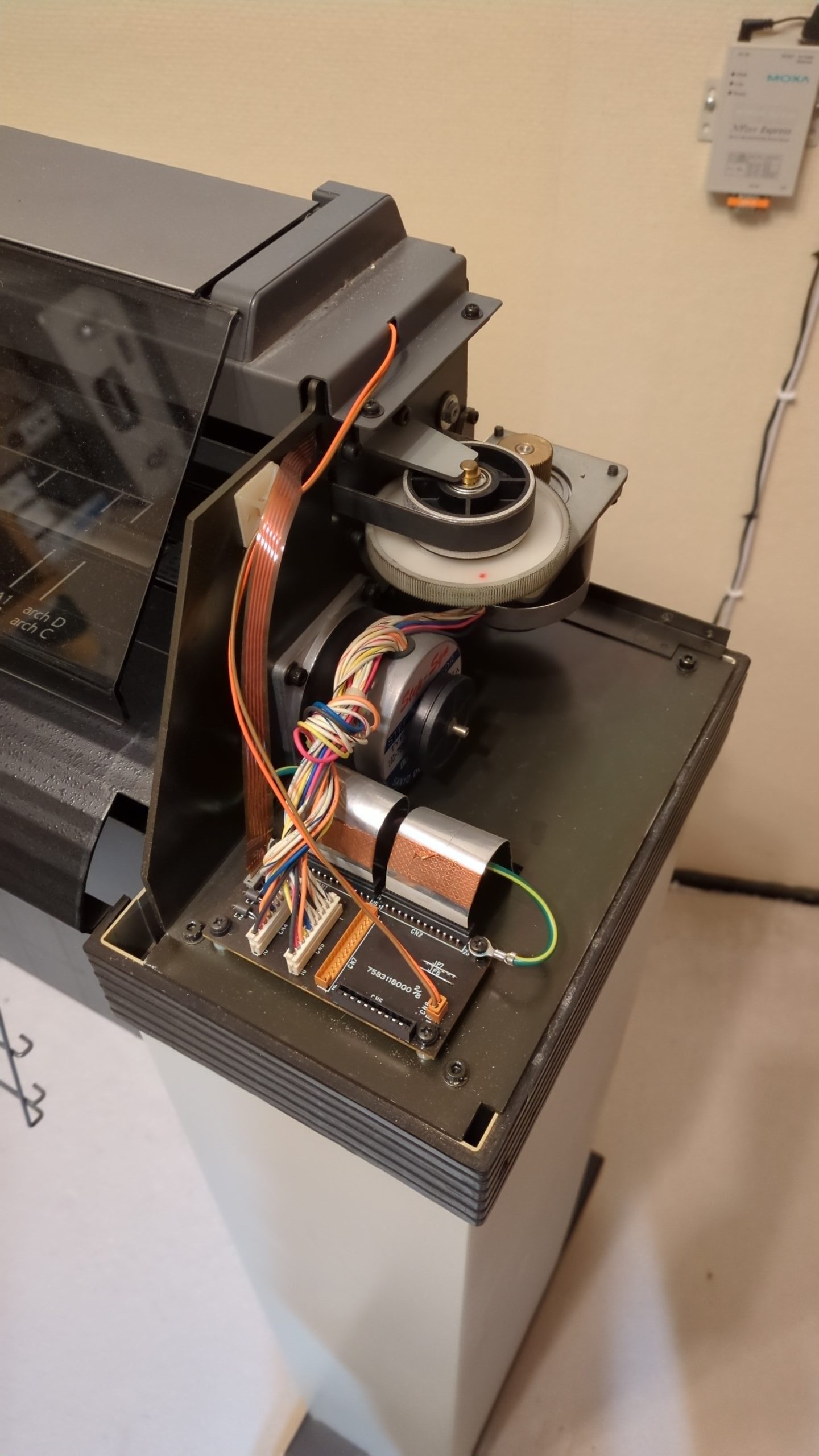
All seems in takt, except for the roller wheels in the legs which got stuck and were losing rubber parts. They were easy to unscrew and didn’t make a mess on the floor anymore.
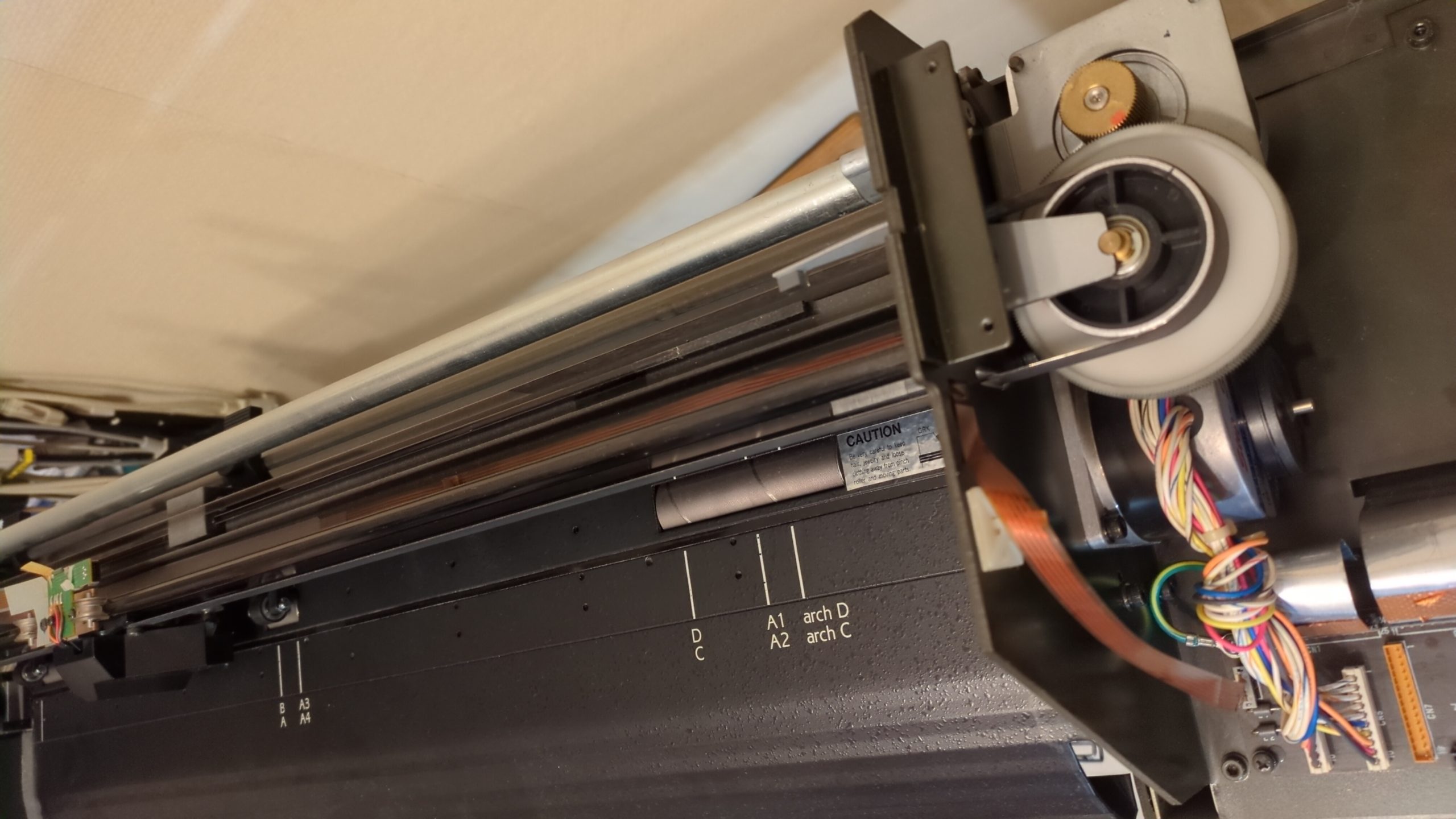
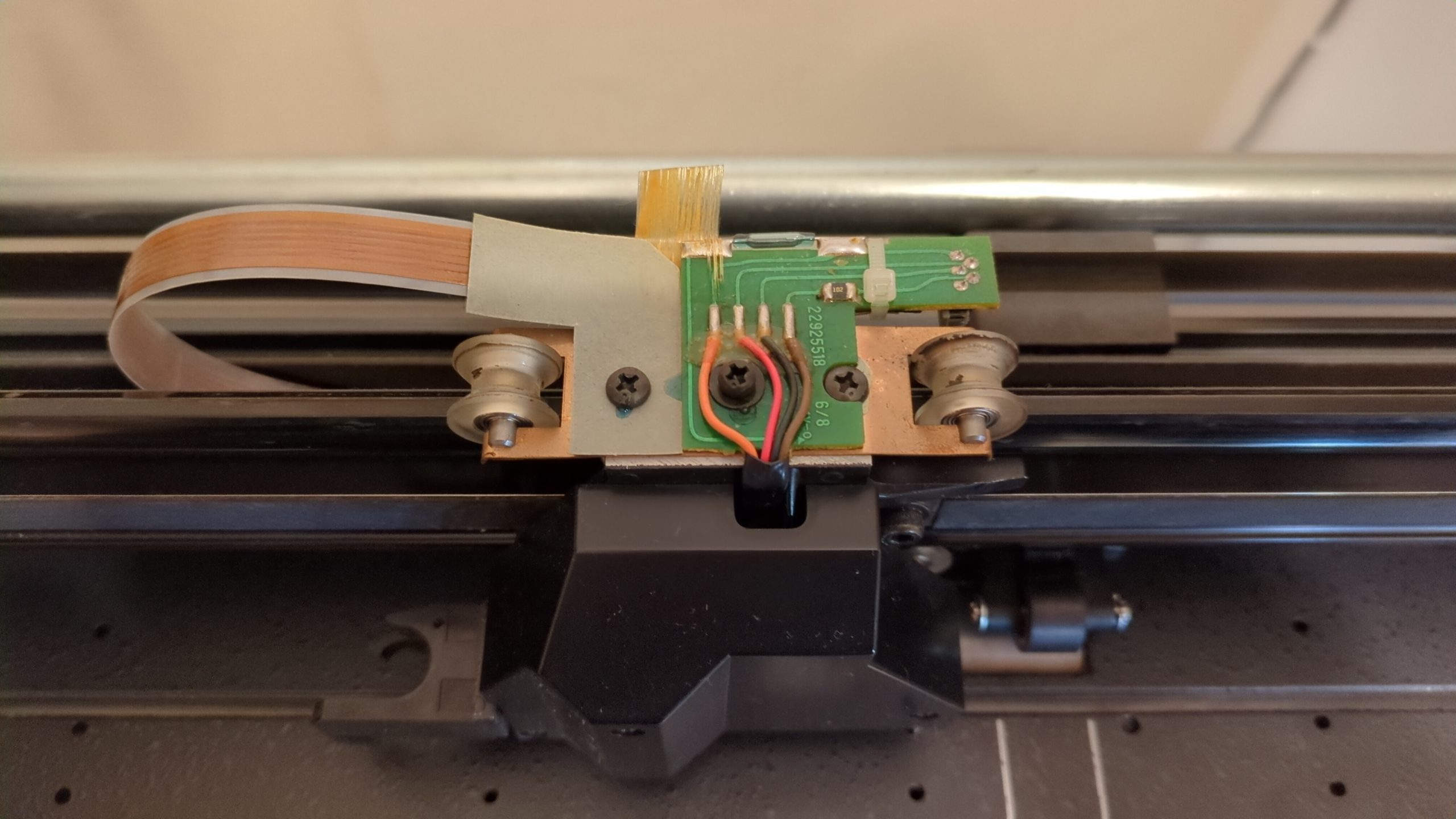
On the mechanical side of things: The pinch roller adjustment system needed lubrication and the pen carriage was not running as smooth as expected. Some cleaning and TLC fixed all that.
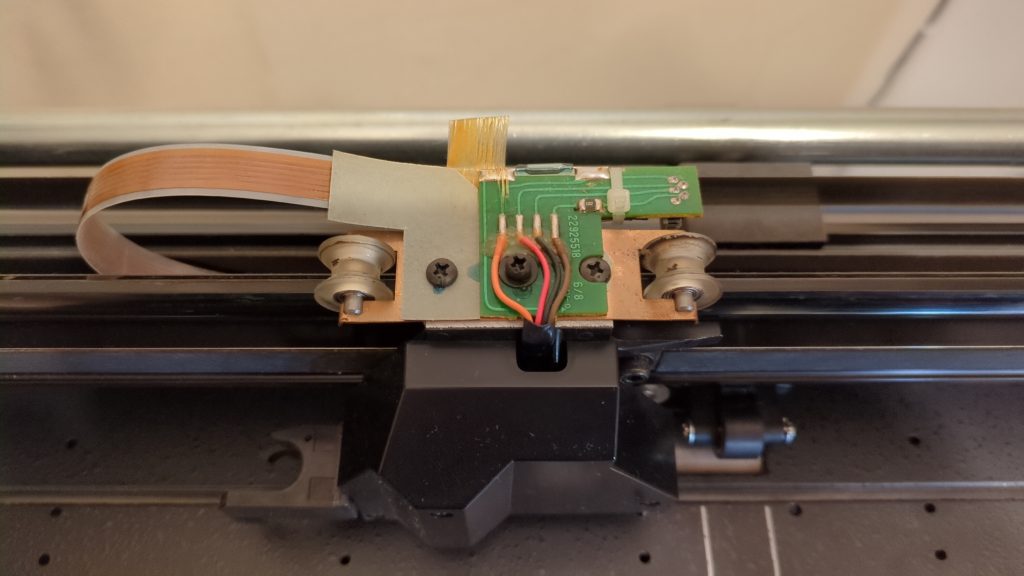
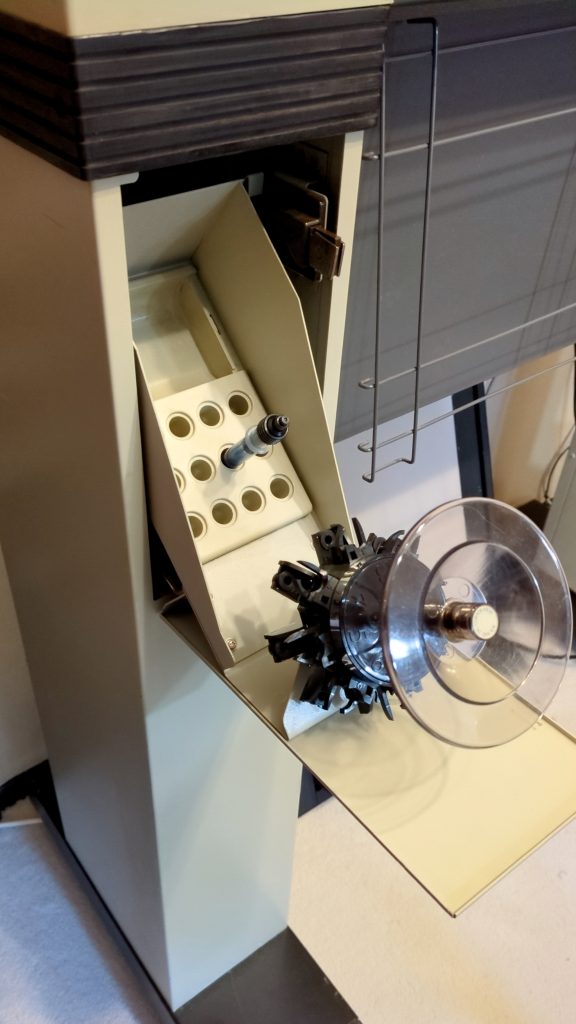
The unit came with one carousel and a box of dry pens. It’s a light carousel for 8 pens. A second carousel can be stored behind a push-latching door, along with pens and other accessories.
First run
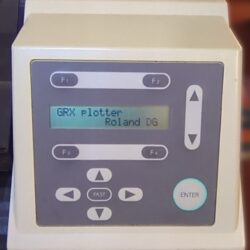
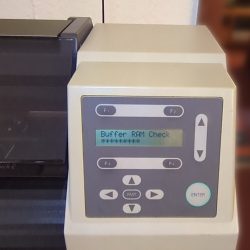
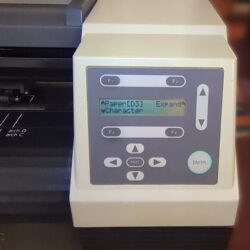
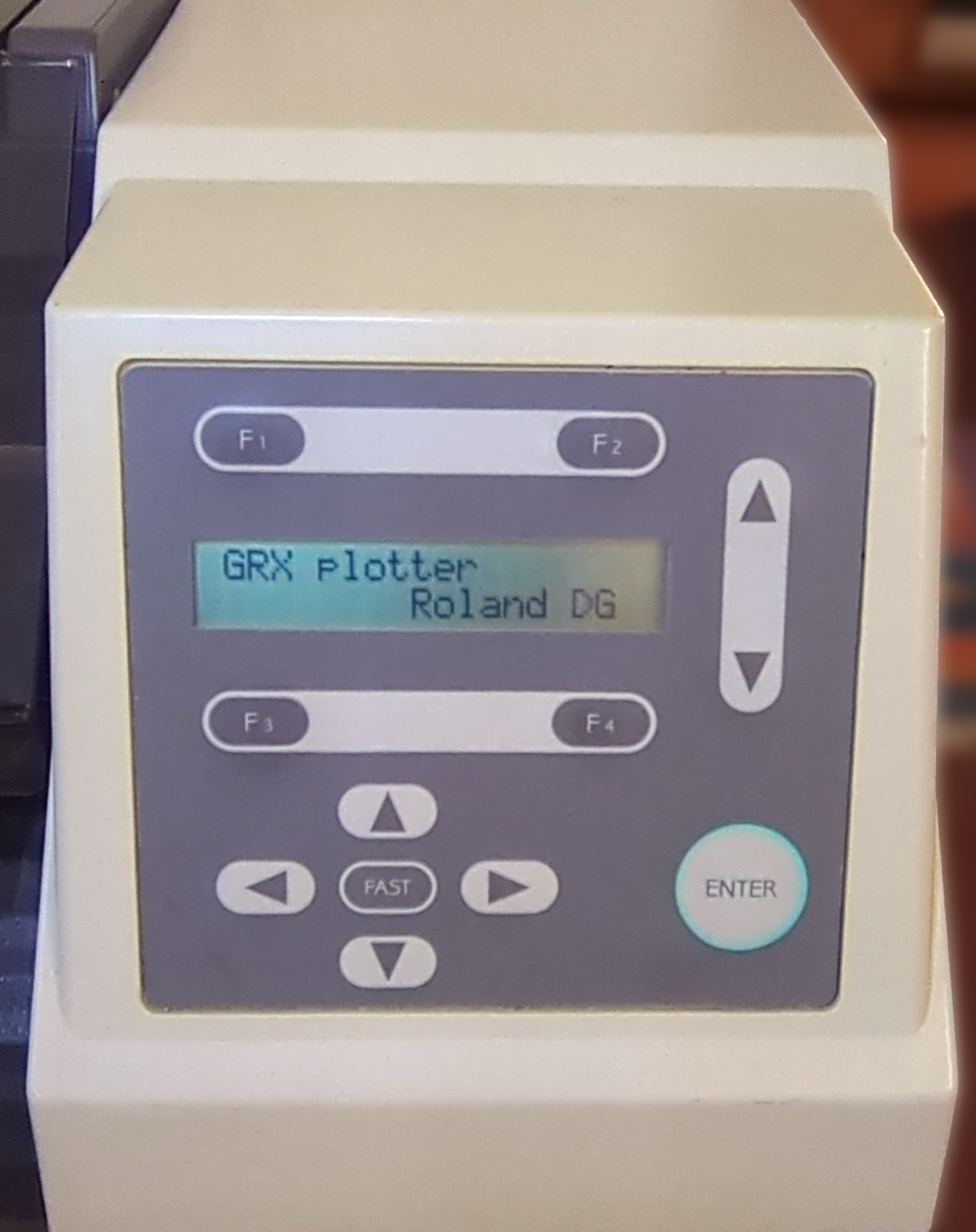
The machine came to life after turning it on and asked for paper. It was a bit noisy at first, especially when the machine is looking for pens while the carousel is turning. Also the two fans make a considerable amount of noise. One fan is for cooling, the bigger vacuum fan for sucking the paper to the platen.
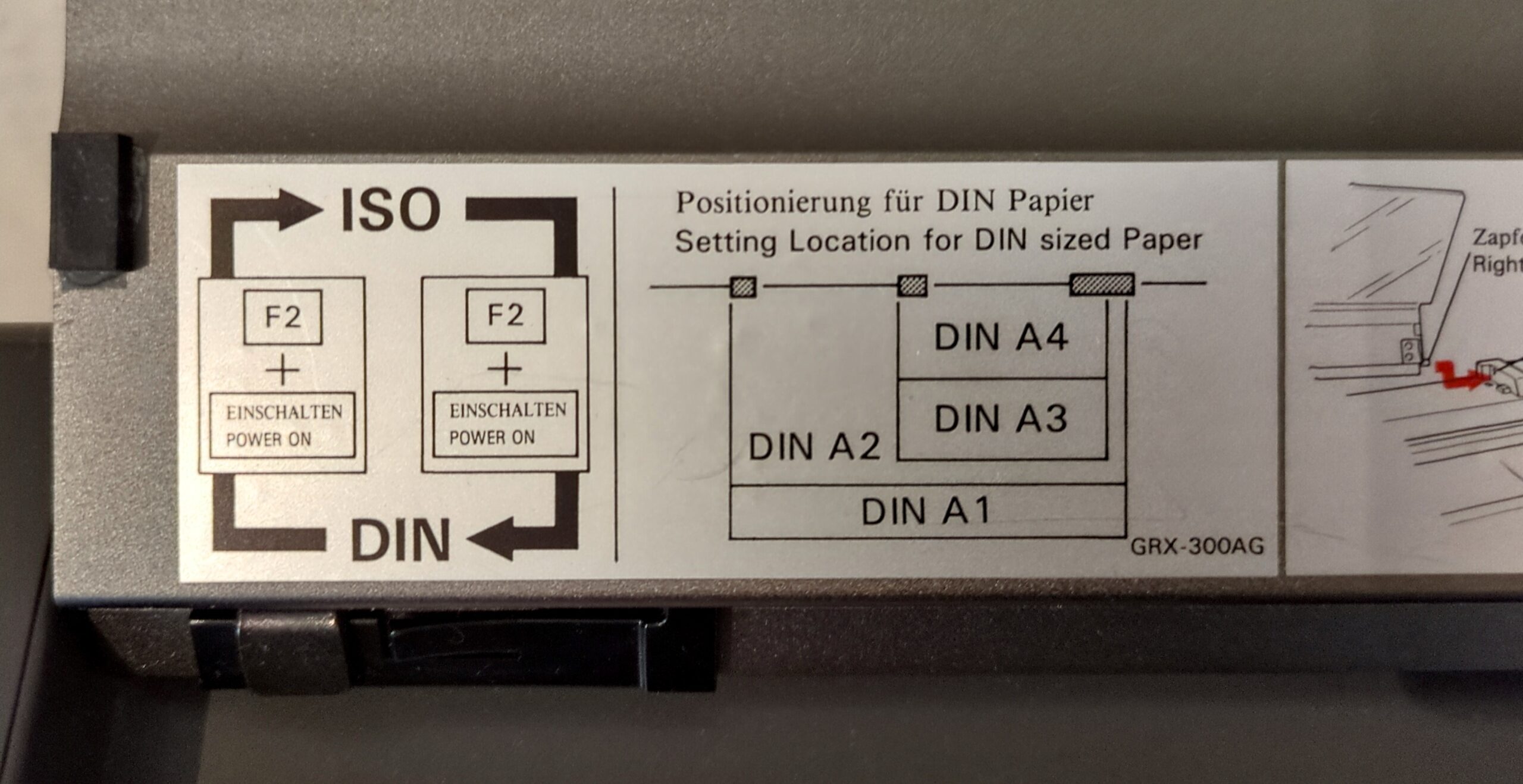
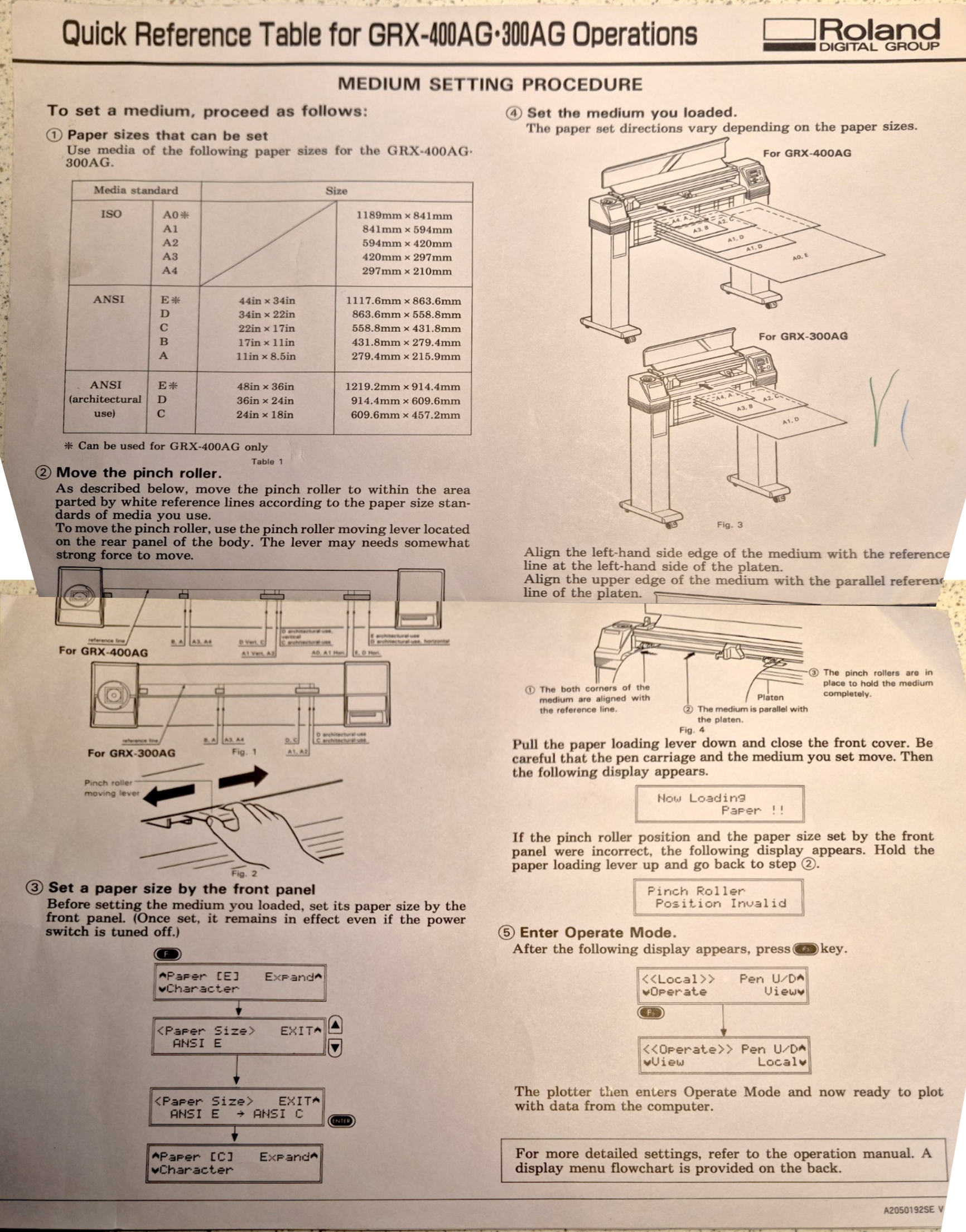
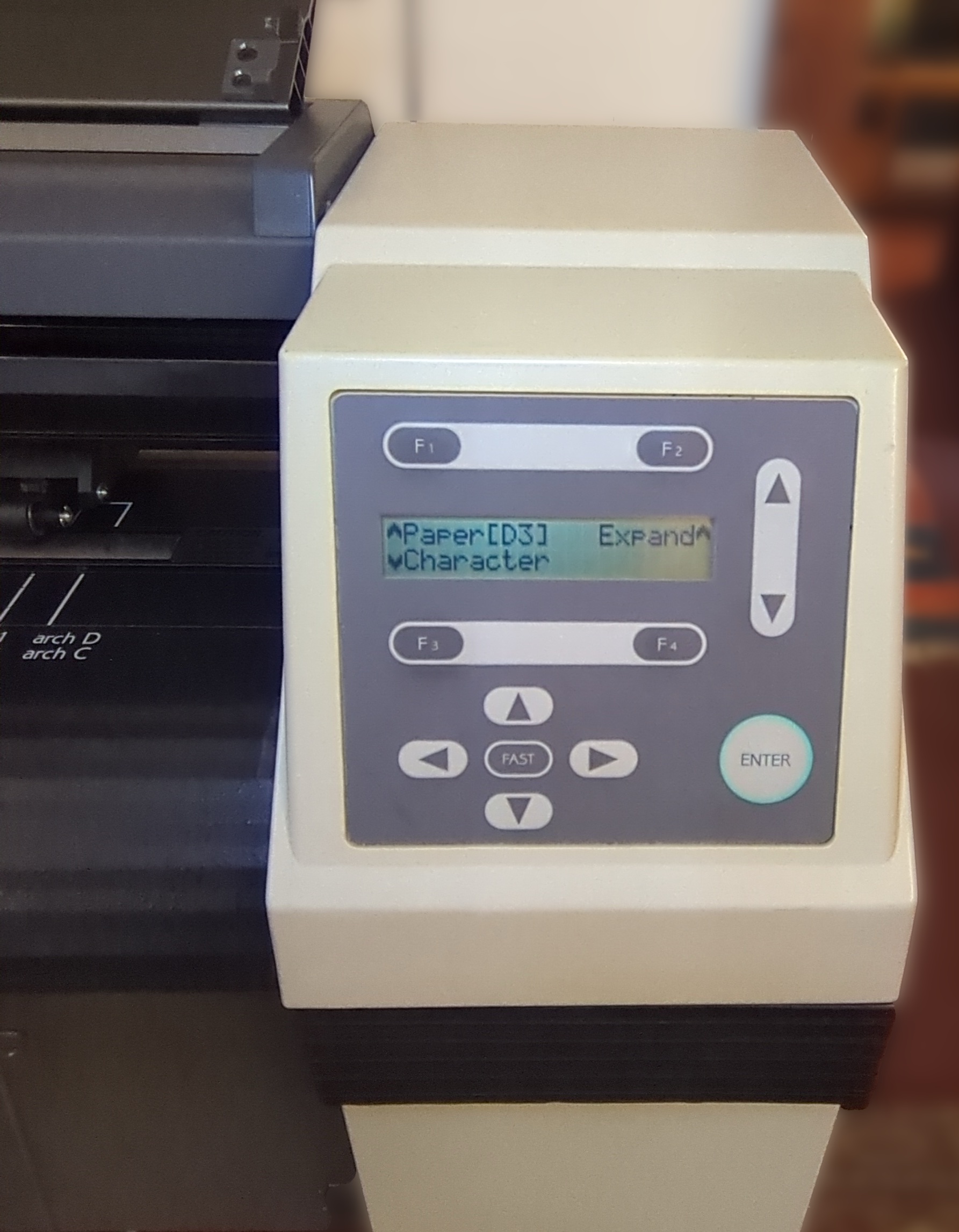
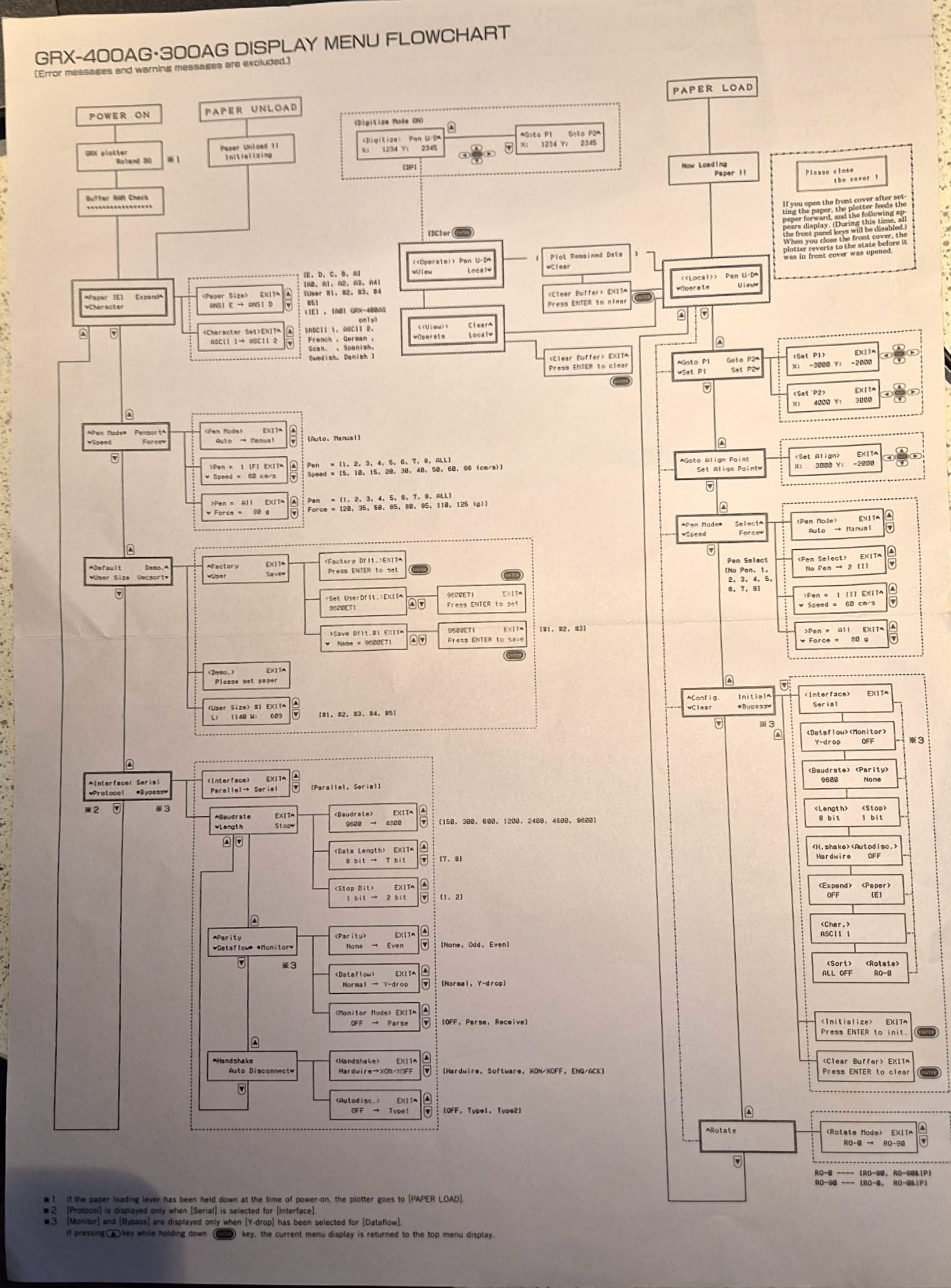
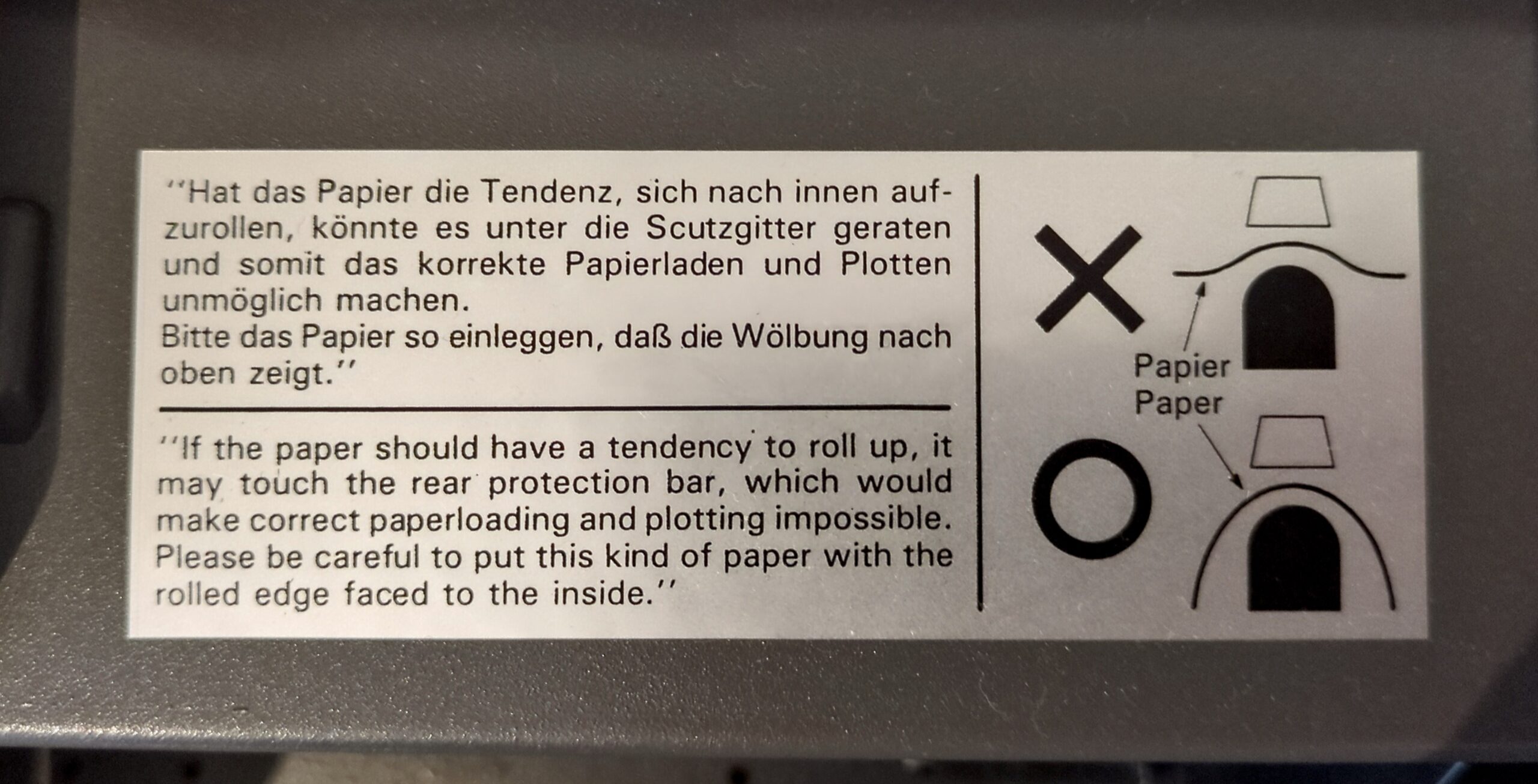
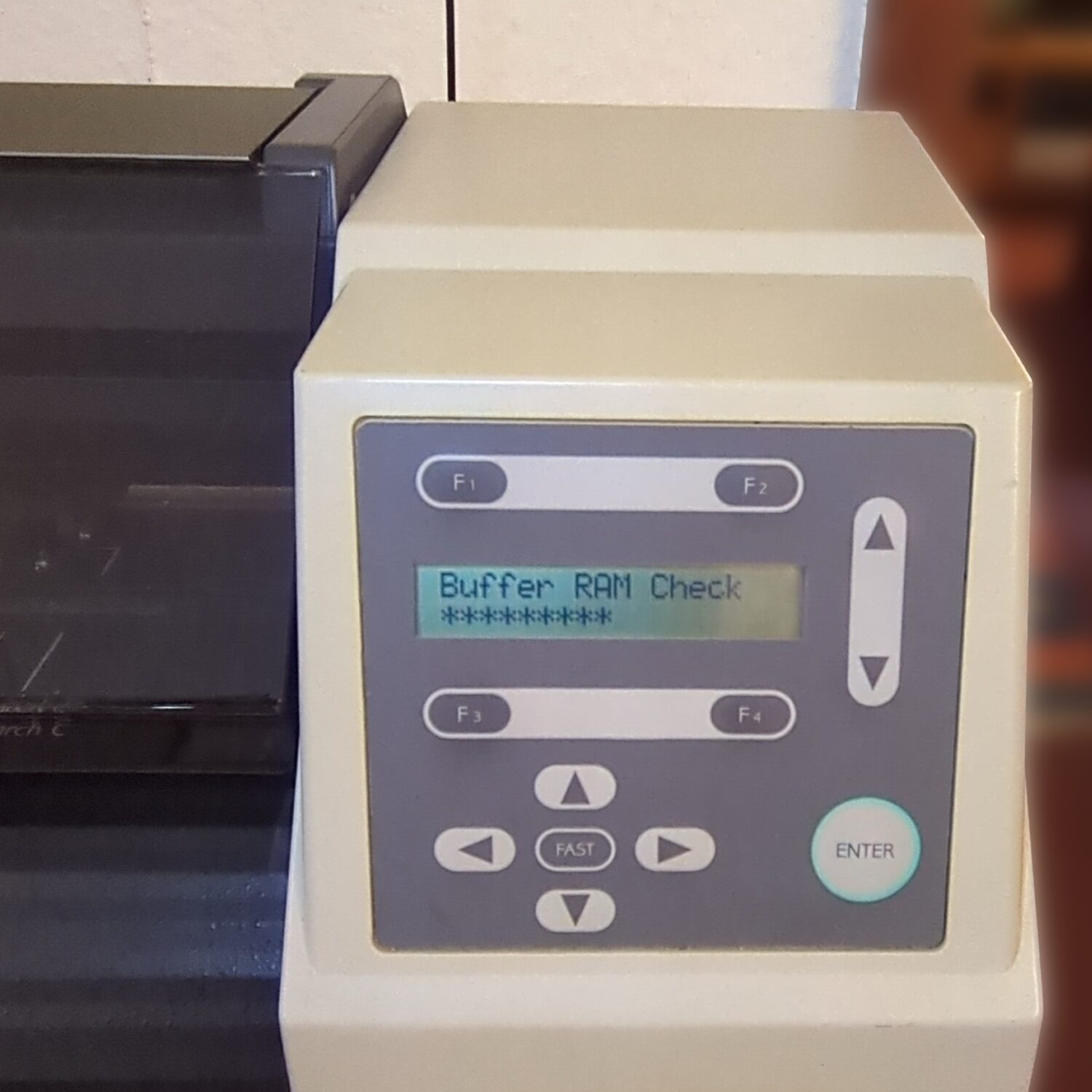
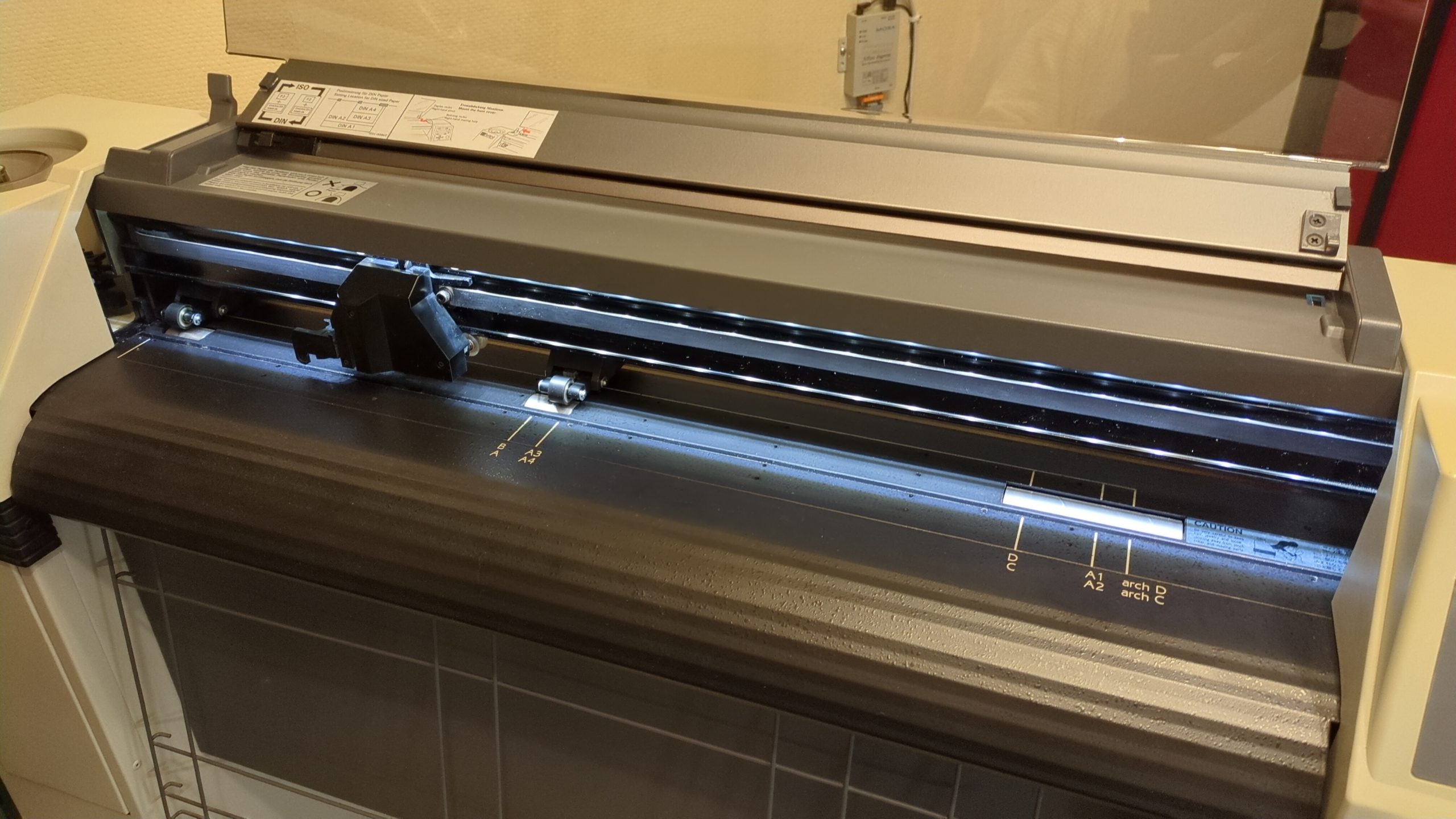
It took some time to figure out how to set the paper. It is not sensing the paper size automatically. You have to set the paper size in the menu and then load it. It defaulted to DIN sized paper and then it occurred to me that we should read all available instructions…
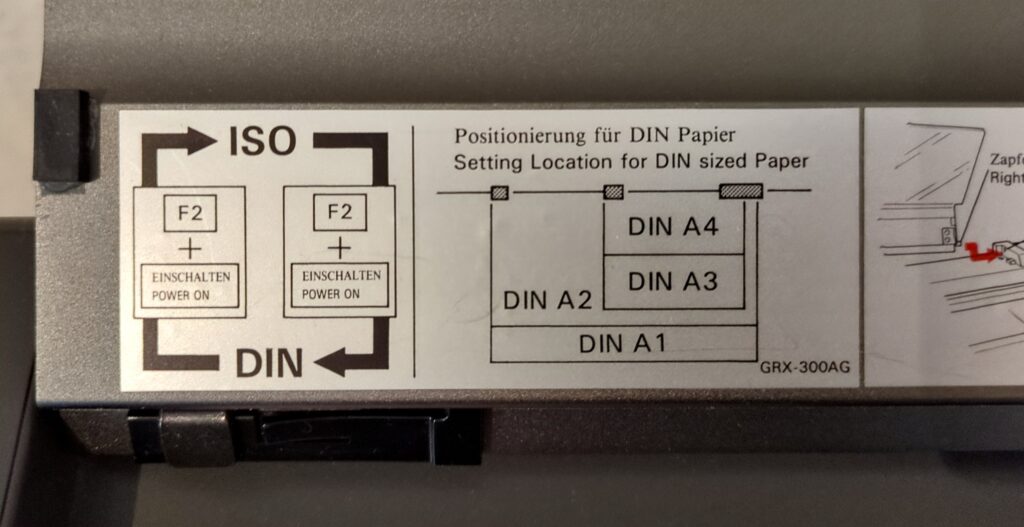
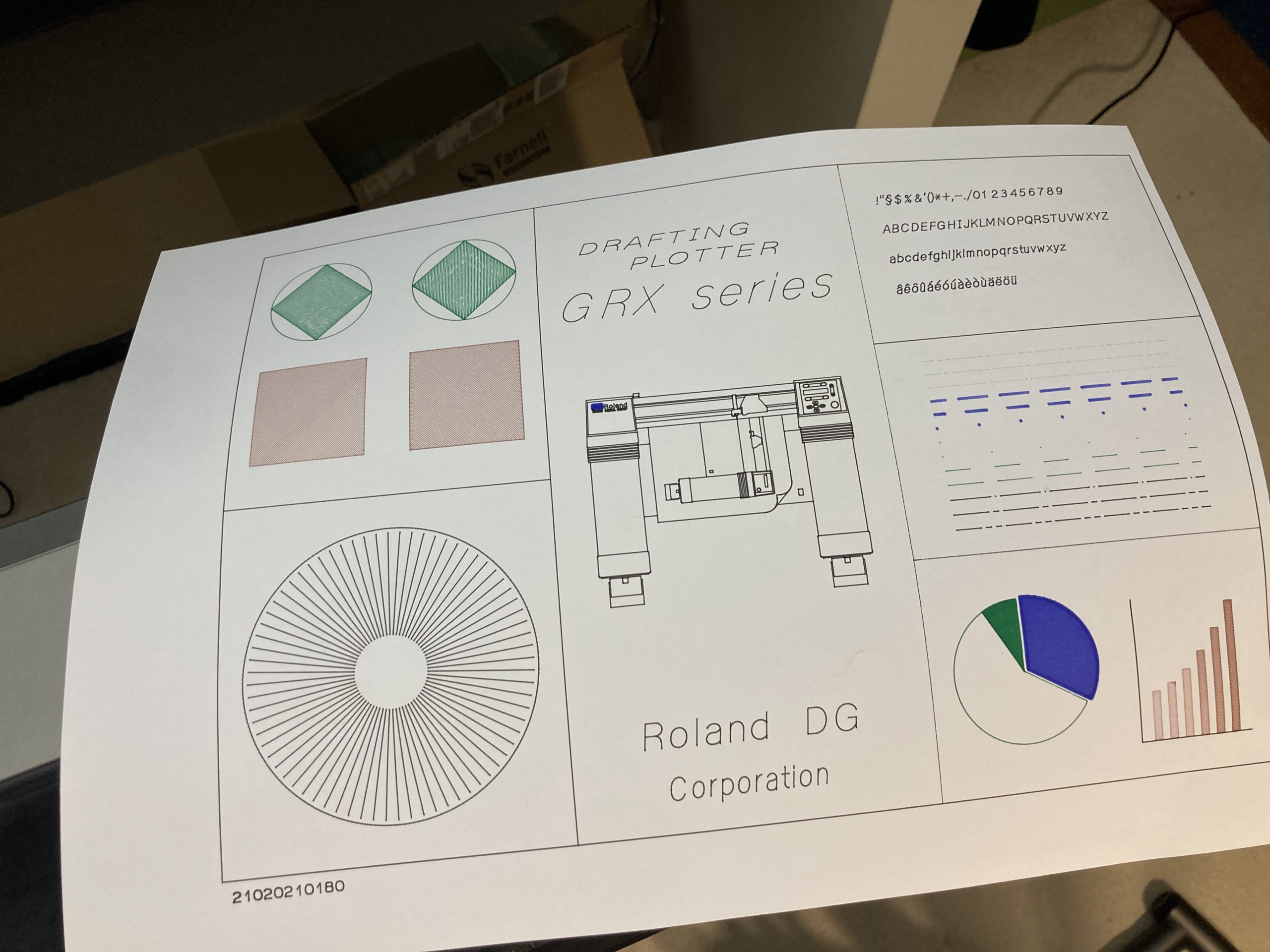
After starting up the machine with F2 pressed our paper was accepted and we could start plotting the confidence demo from the menu.
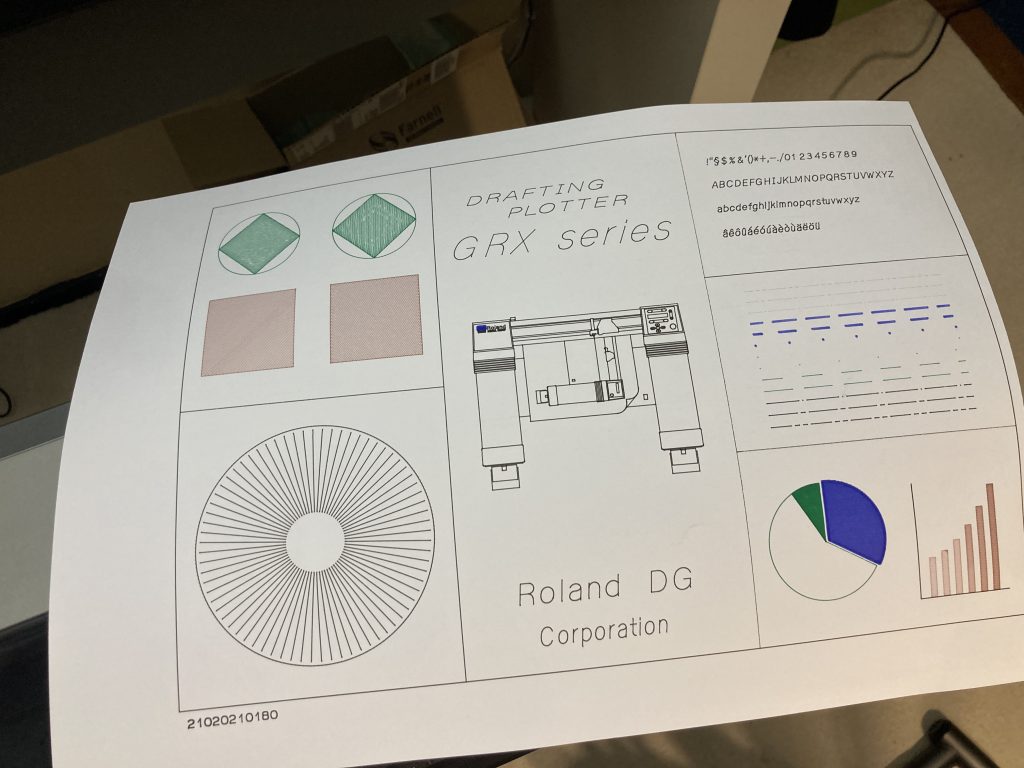
This looks very promising! Proceed to next level.
Serial connection
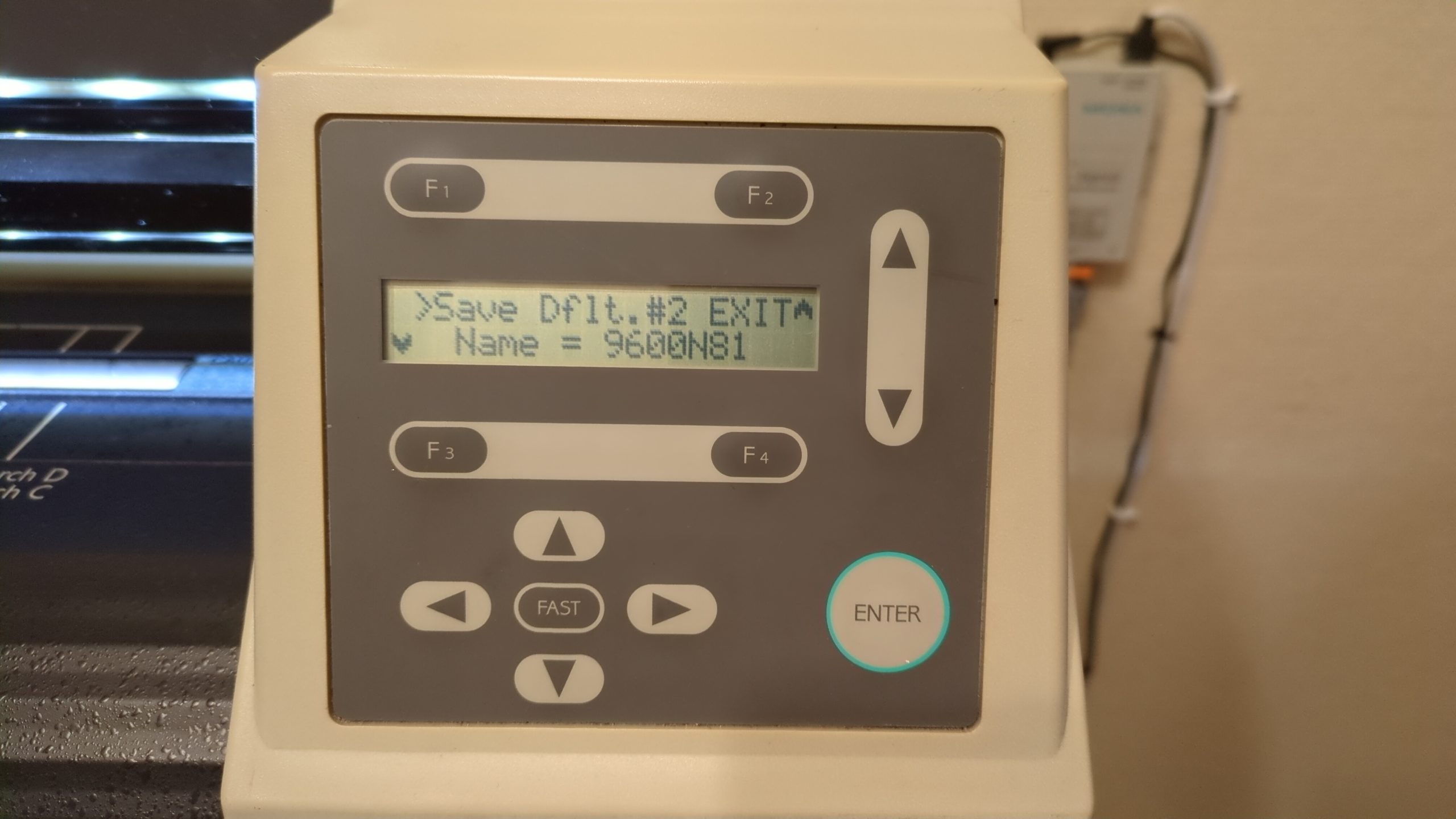
The connection settings in the menu were default set to Parallel. Changing this to Serial wasn’t kept in memory after a shutdown. This seems wrong and needs to be investigated.
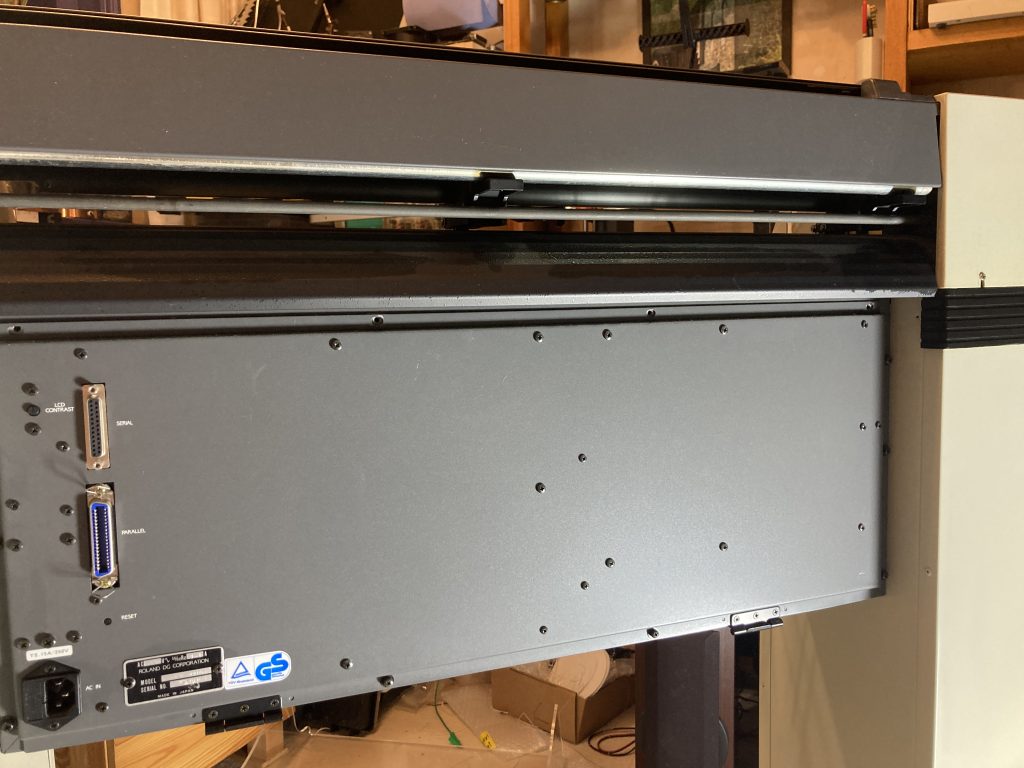
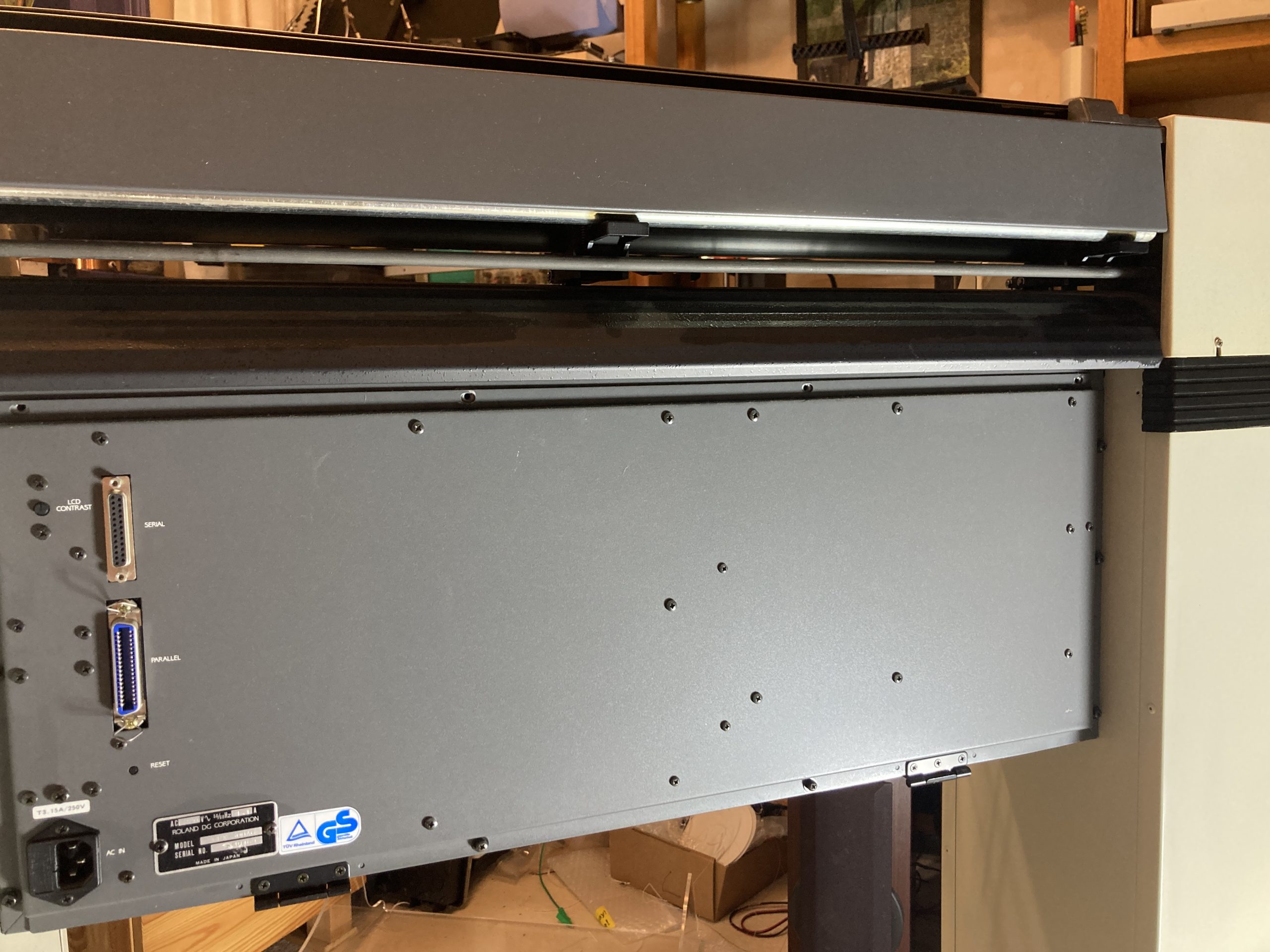
Our preferred serial settings are 9600-N-1 and did not need any change as these are the default for a Serial connection. In conjunction with the Assmann AK150 cable it just worked! Excellent, we can plot all we want.
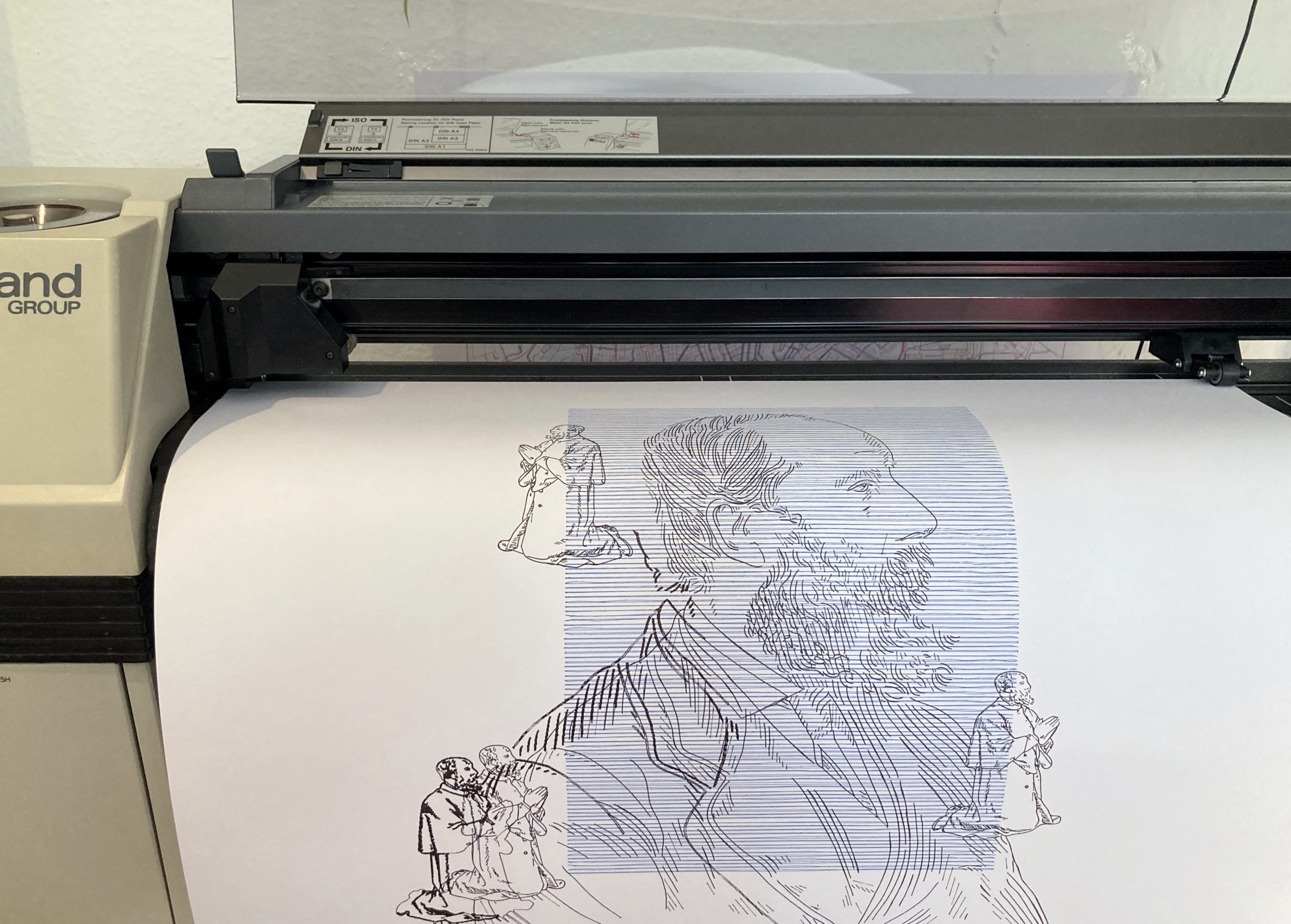
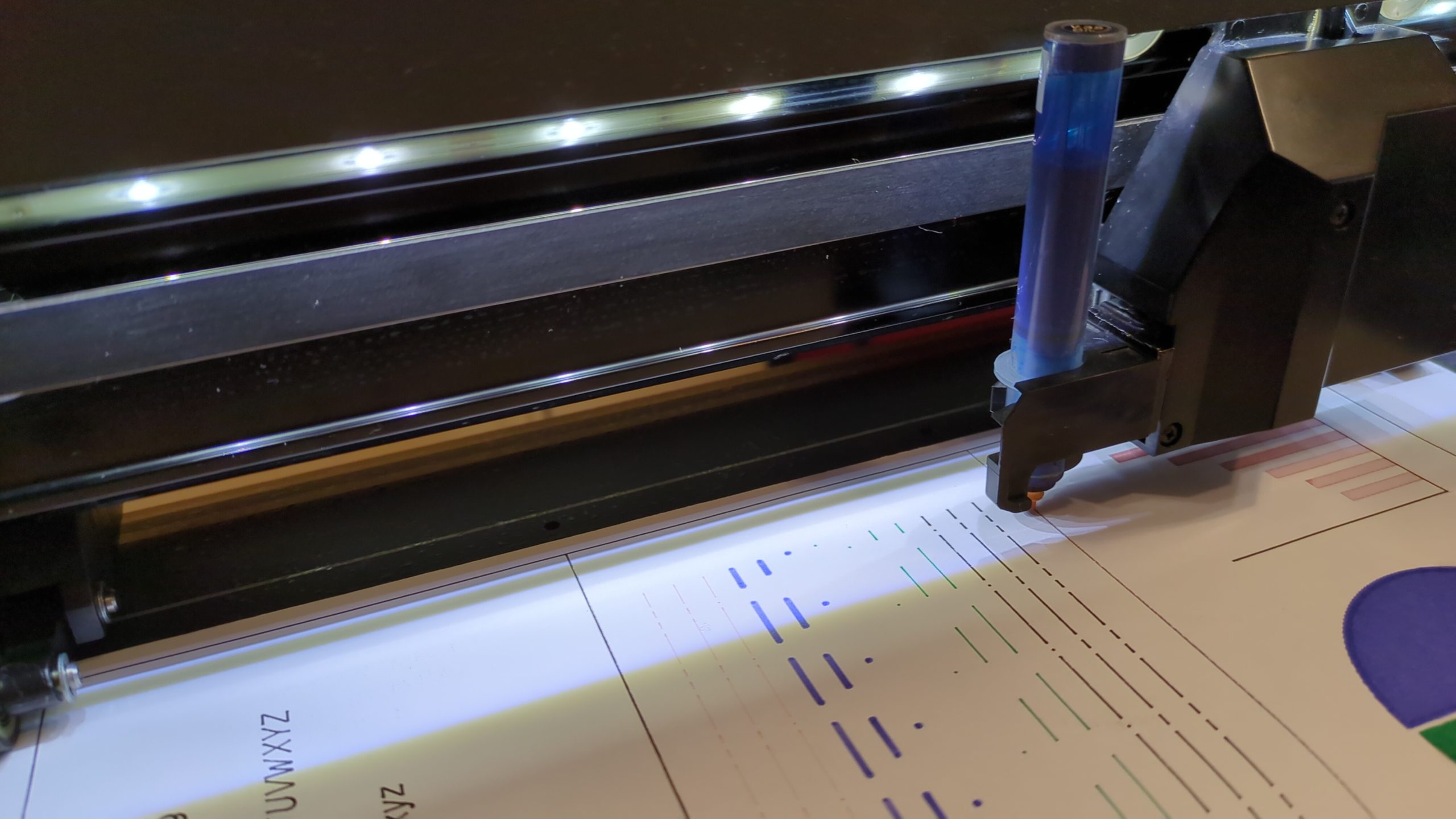
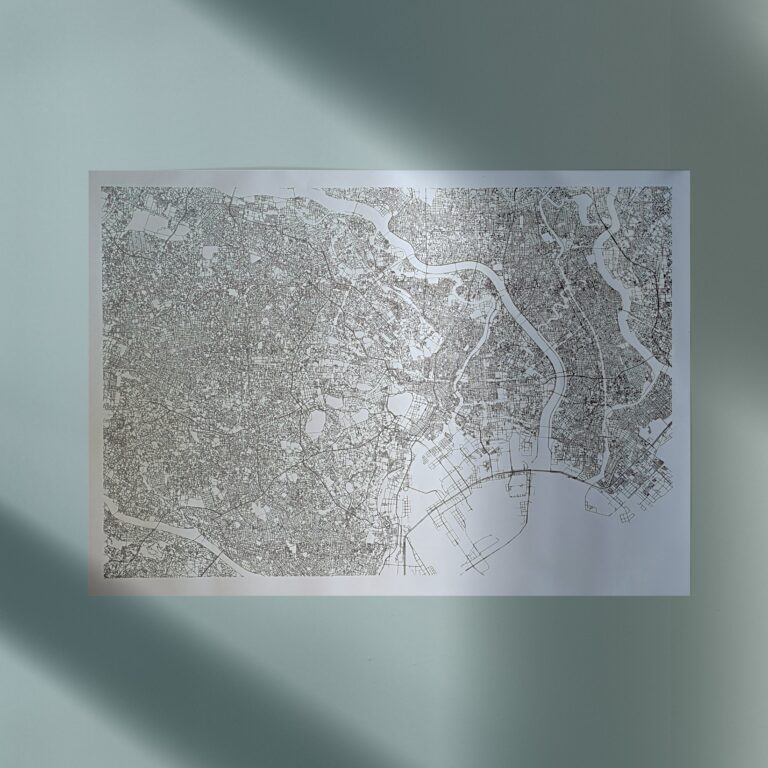
Like this testplot for a client:
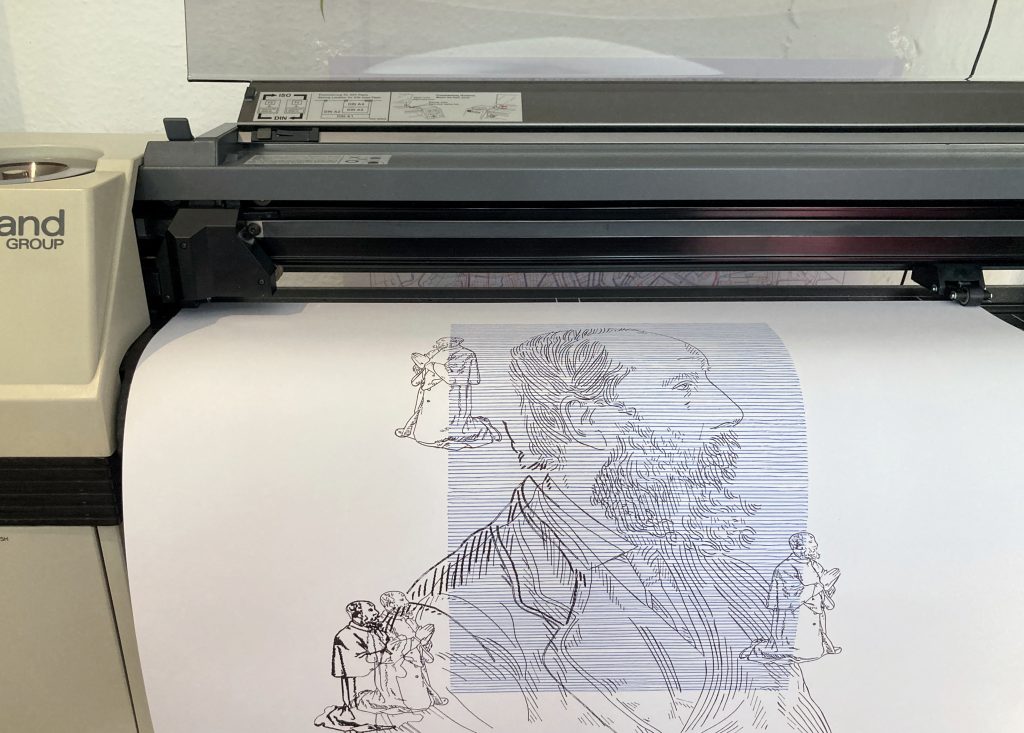
All seems to work just fine. The plotter is not speedy, but it’s doing the job very nice. Drawing is fairly quiet, except for the mentioned continuous fan noise.
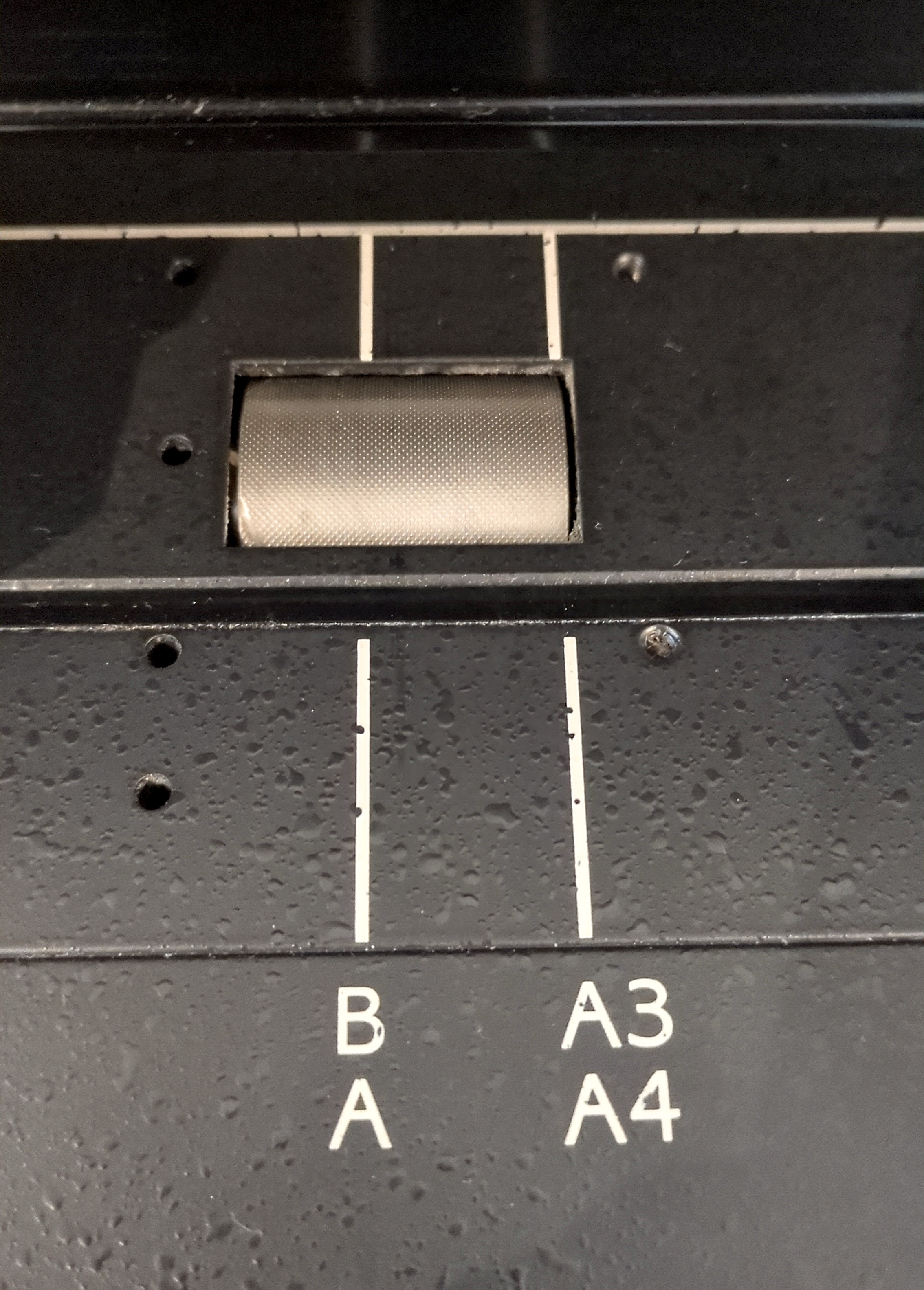
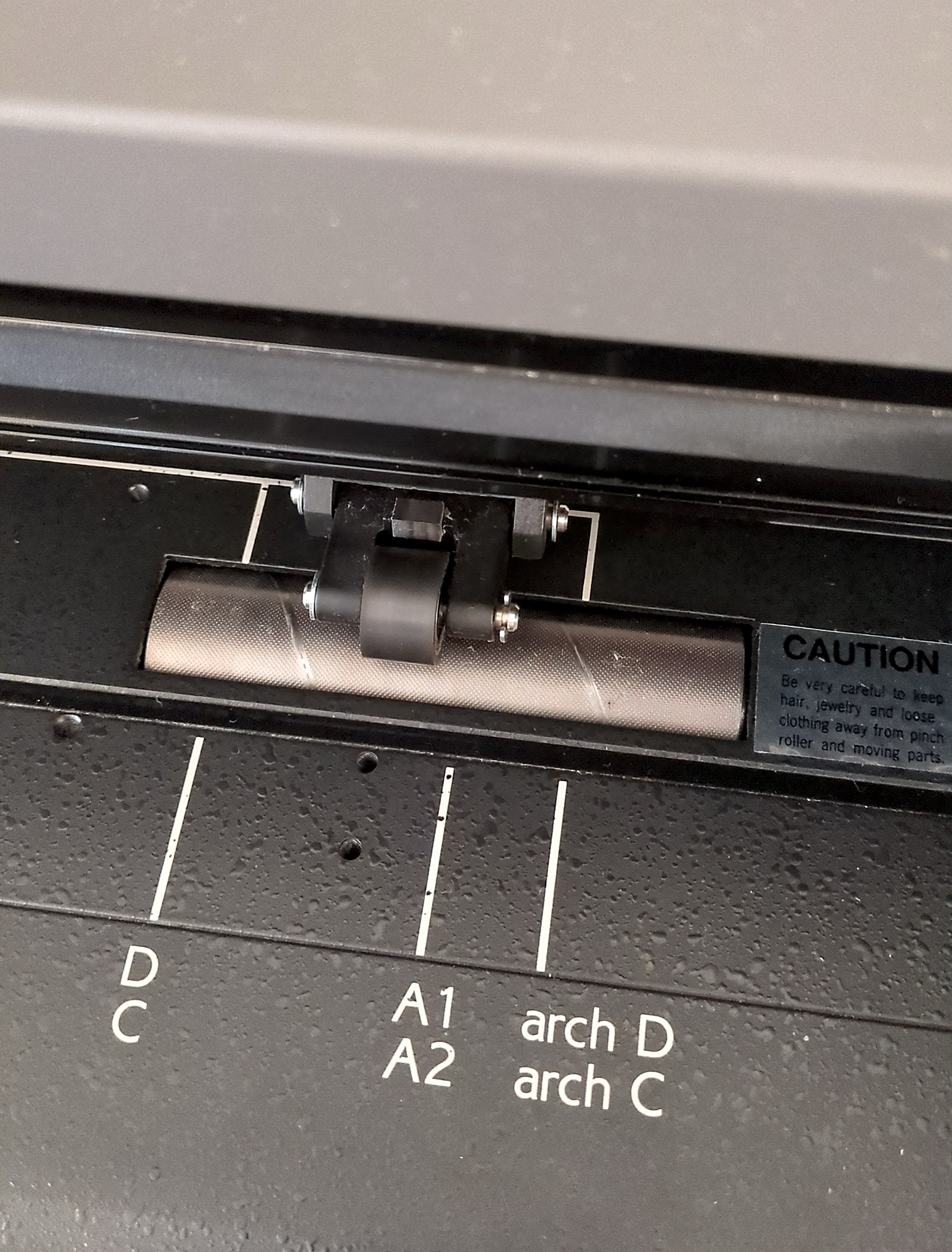
This plotter seems to be a nice one for low volume plots. It handles the paper gently. It doesn’t leave clearly visible tracks on the paper where the pinch wheels reside because the gritwheels have a surprisingly smooth surface. Unlike the diamond spikes on the large HP’s gritwheels which leave visible holes in the paper.
Repairs
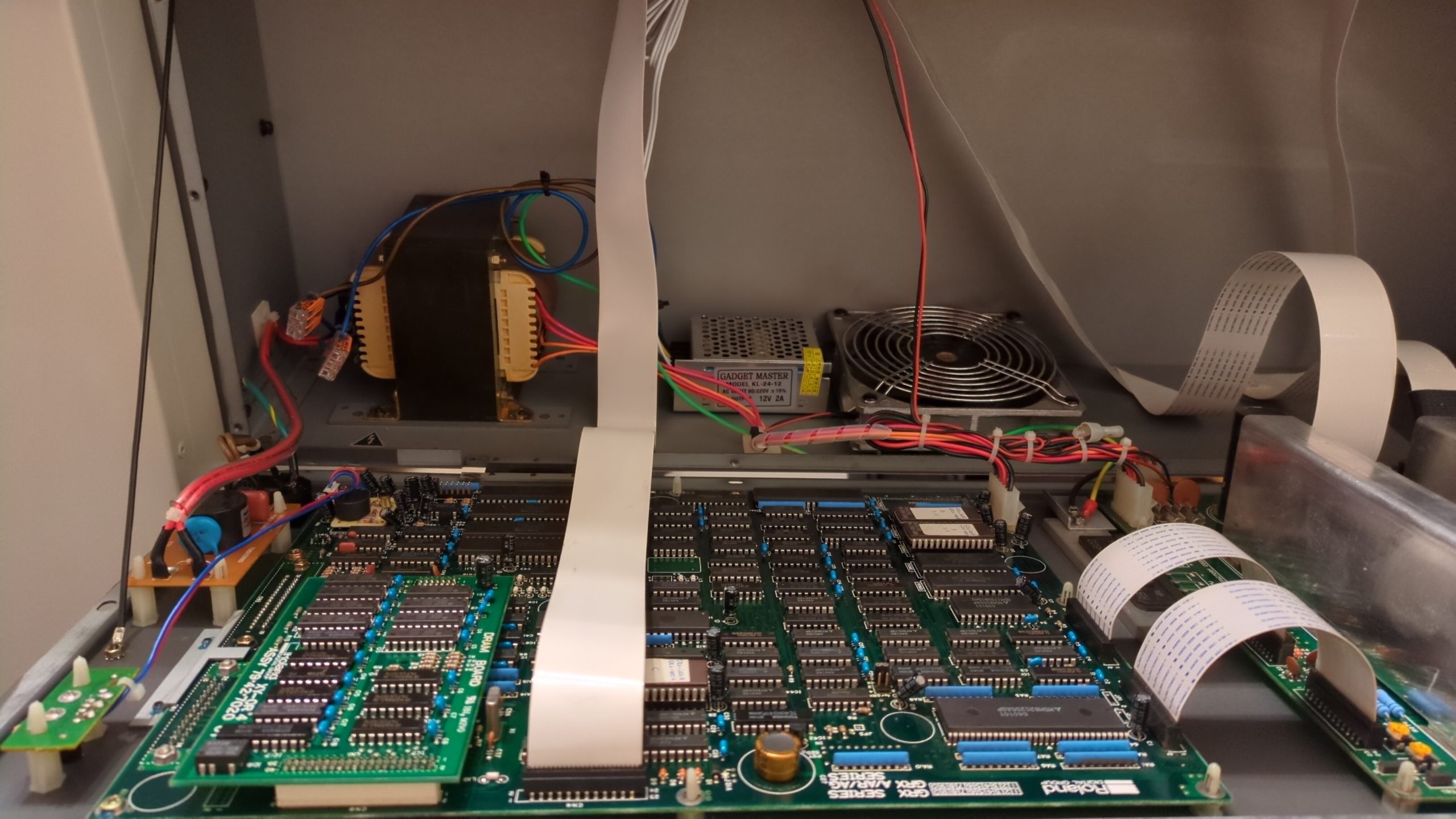
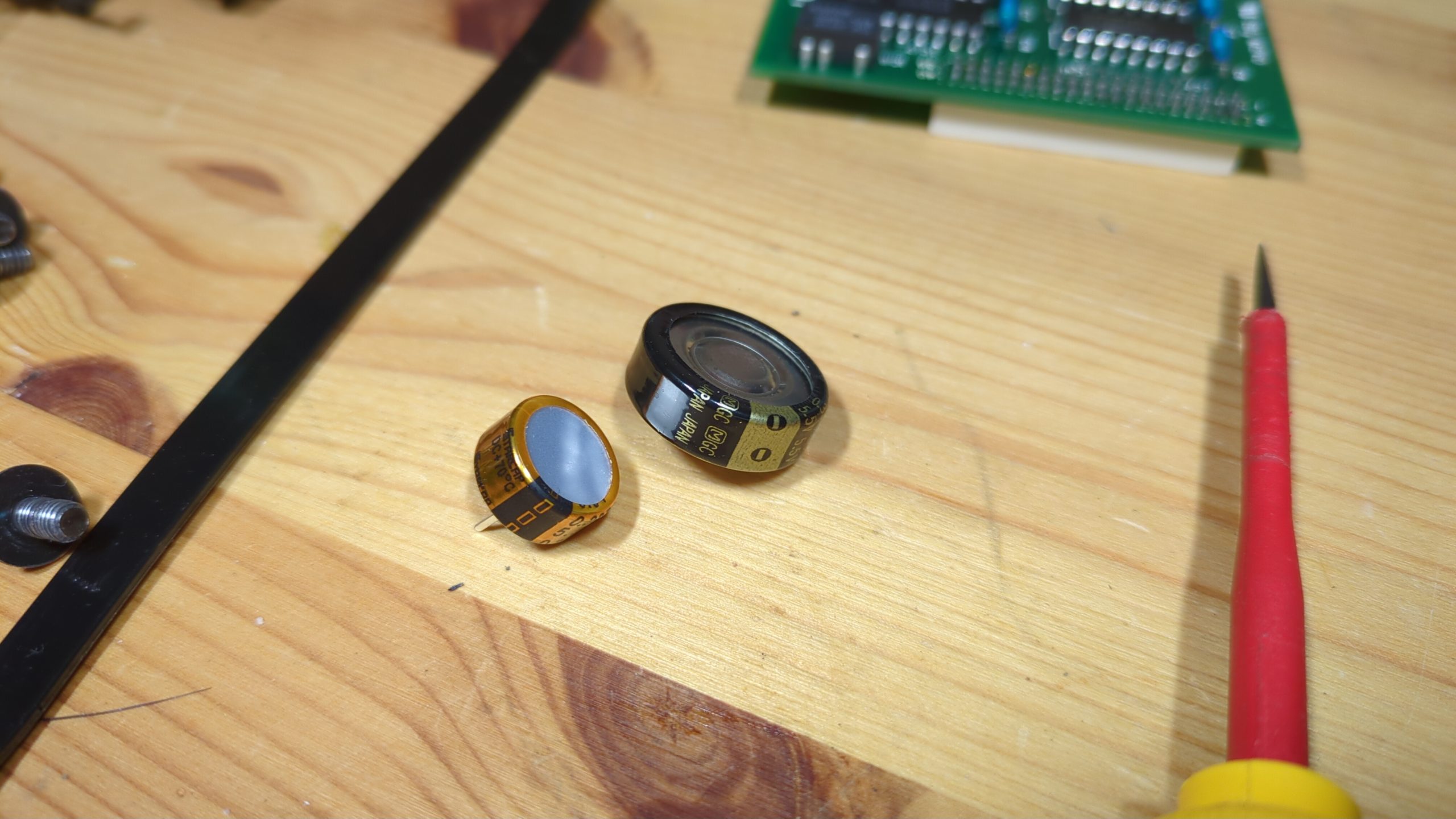
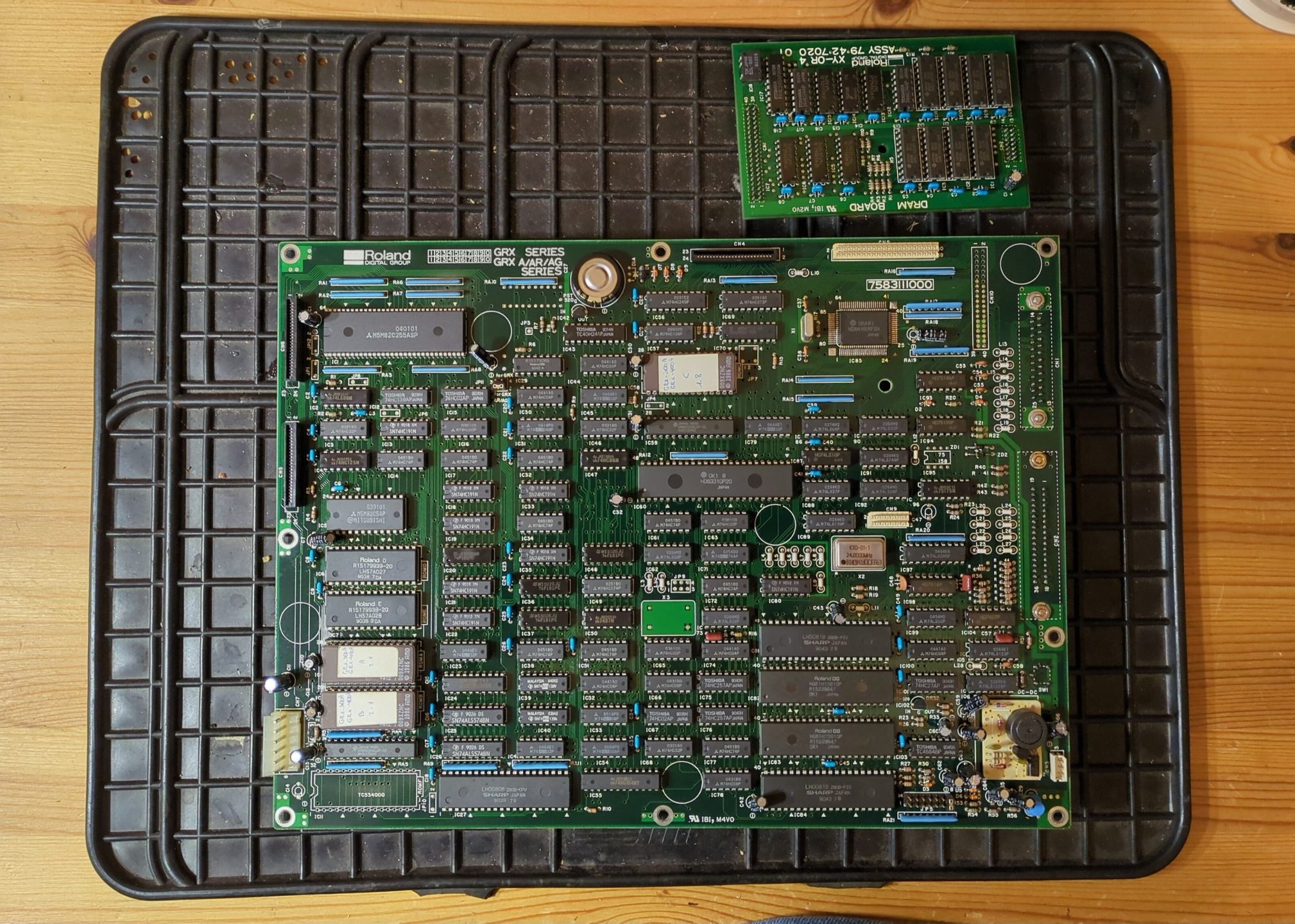
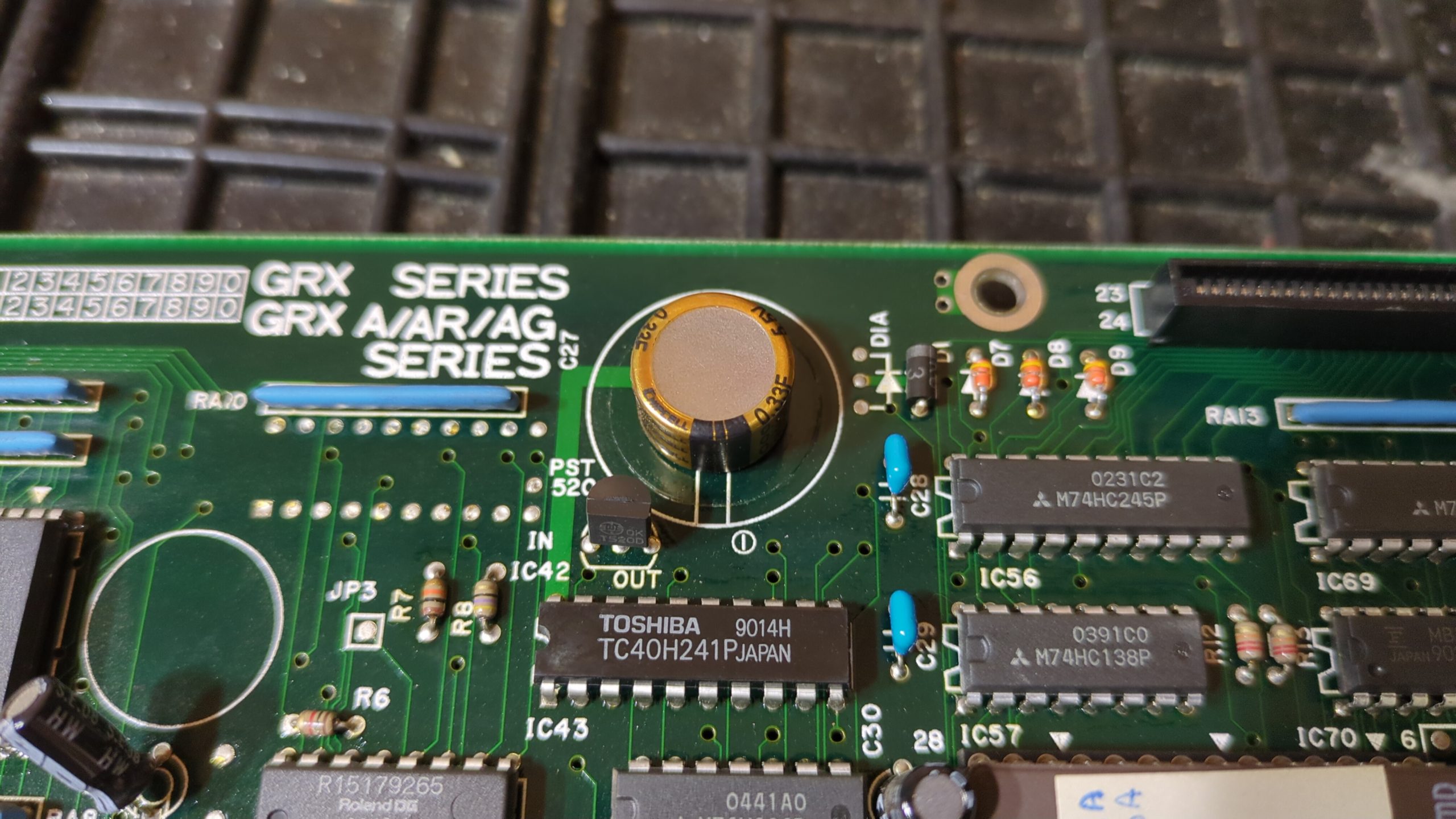
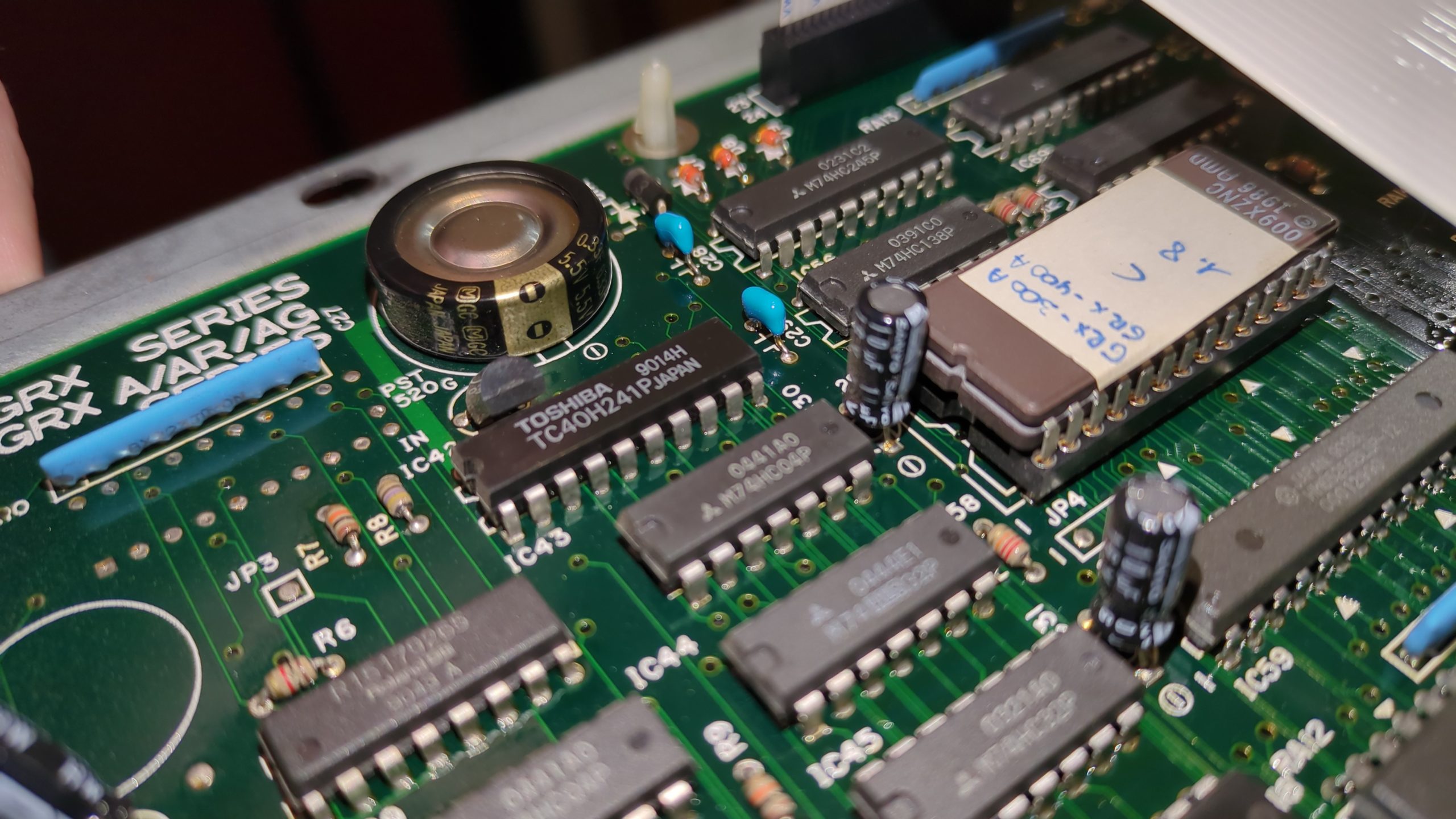
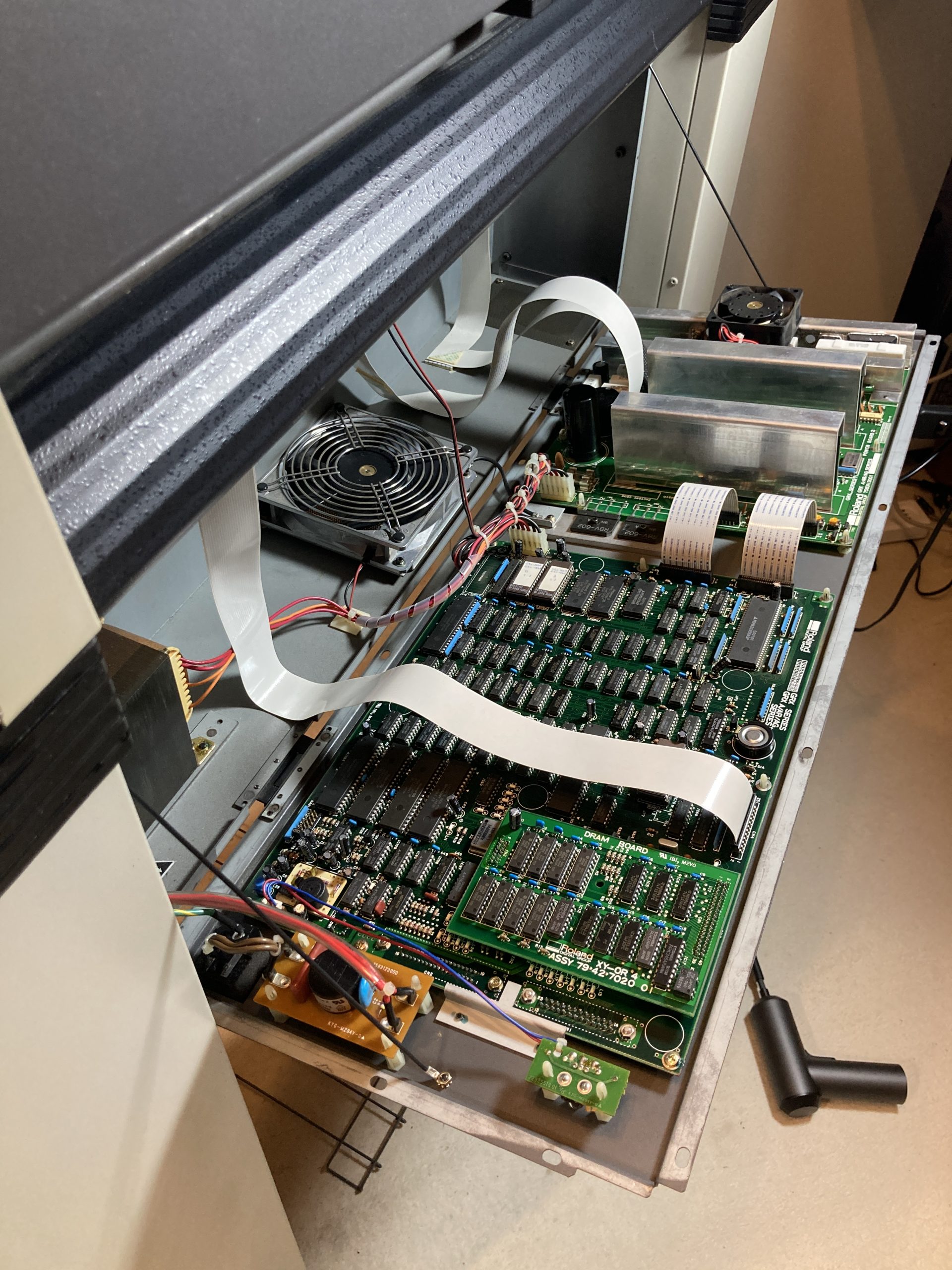
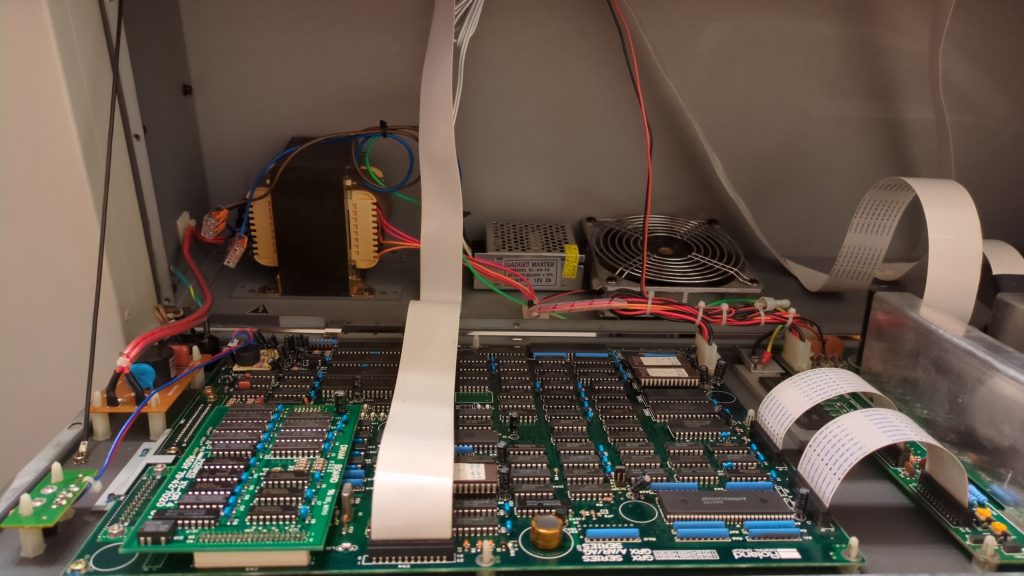
Ofter some use it became apparent that we had to make some User Experience adjustments if we would continu to use this plotter. A big annoyance was that all settings were lost after a power cycle. The main board has no changeable battery cell, but a so called supercapacitor that handles the power backup for memory chips. These ‘ultracapacitors’ are known for rapid charge/decharge cycles and big modern variants are used for regenerative braking in e-vehicles these days. The lifecycle of these caps are 10-15 years, so yeah.. this one is probably dead.
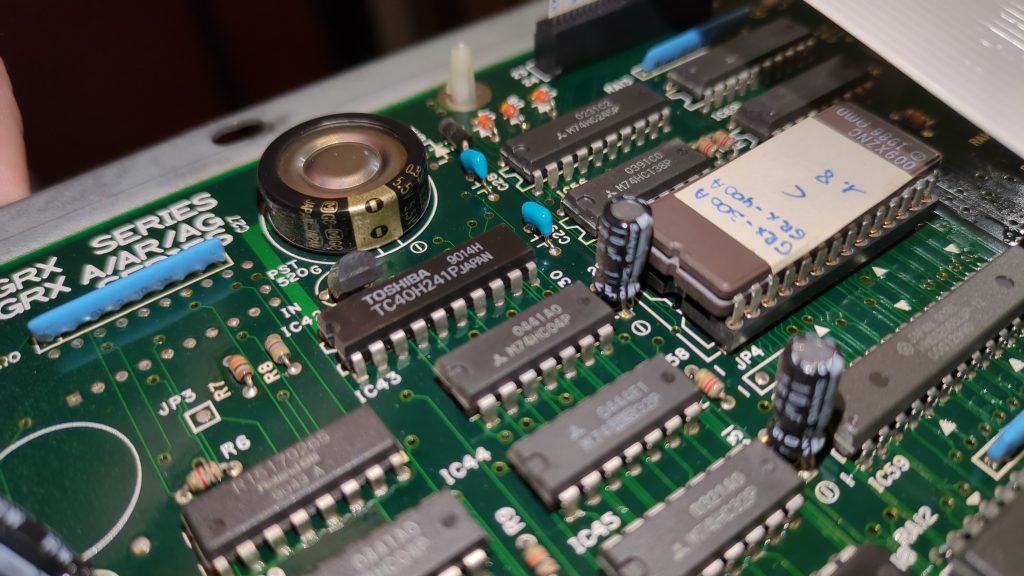
This component was easily changed for a modern replacement. These have become quite a bit smaller over the years.
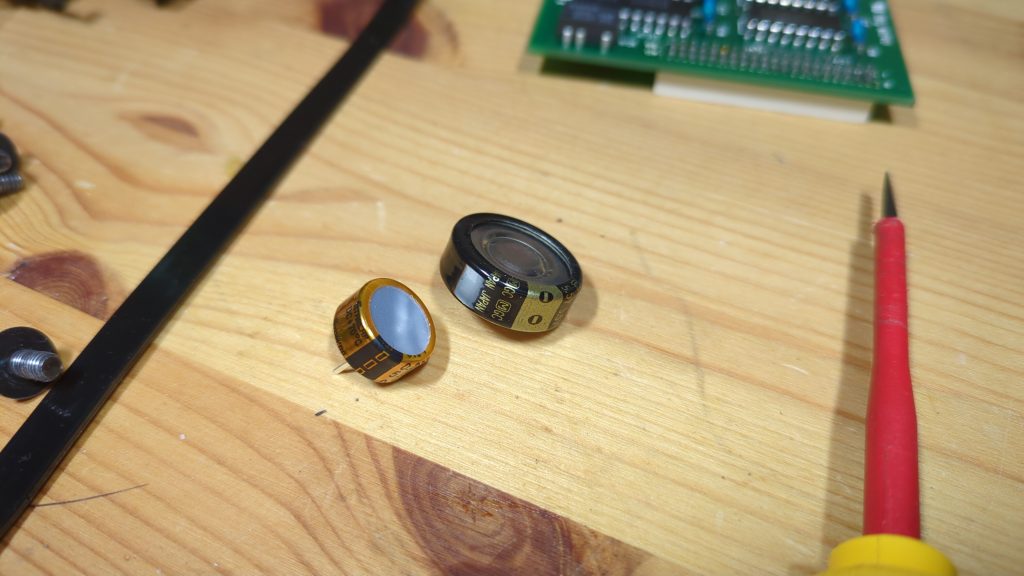
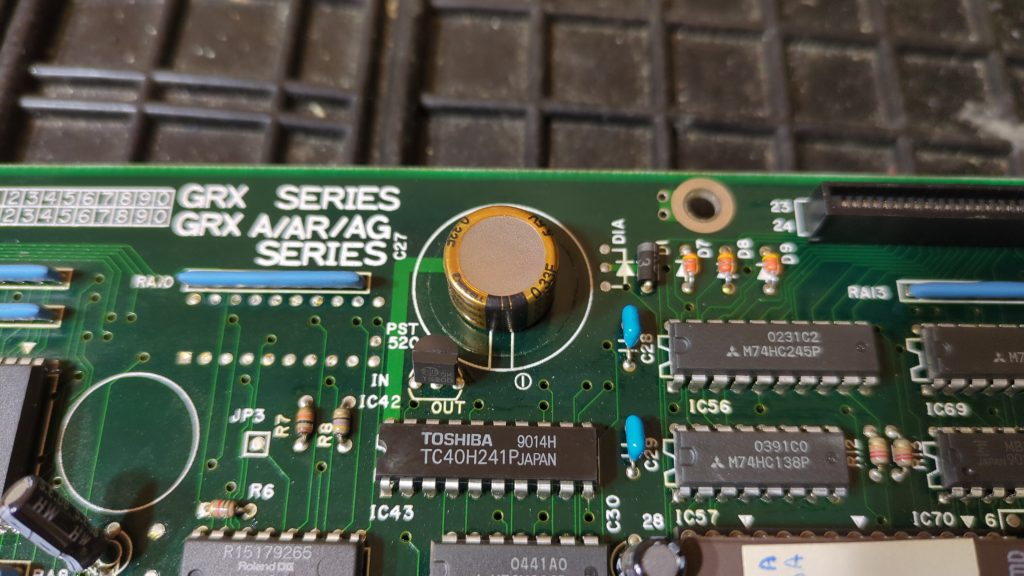
And sure enough, after some time the supercapacitor was charged enough and keeps the user settings from reverting back to default.
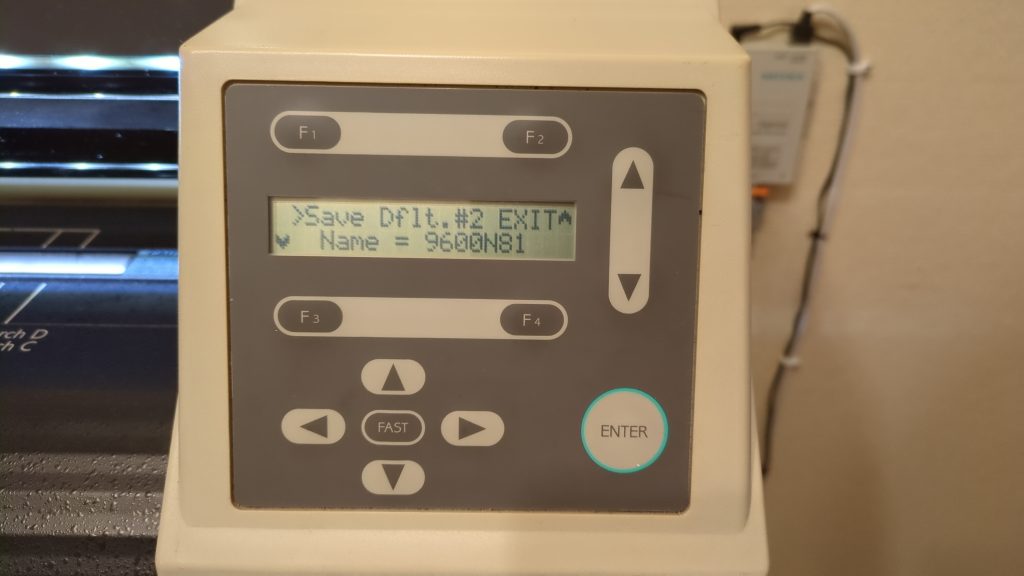
Another cool improvement would be better lighting, especially when the protective cover was closed, but also when opened (be overruling the cover microswitch as we a likely to do a lot).
There was no usable 12V on the main board. A separate 12V DC power supply was installed next to the vacuum fan and a LED strip glued to the bottom of the cover right above the track where the carriage runs. This proved to be workable enough to have a nice clear view even when the lid is closed.
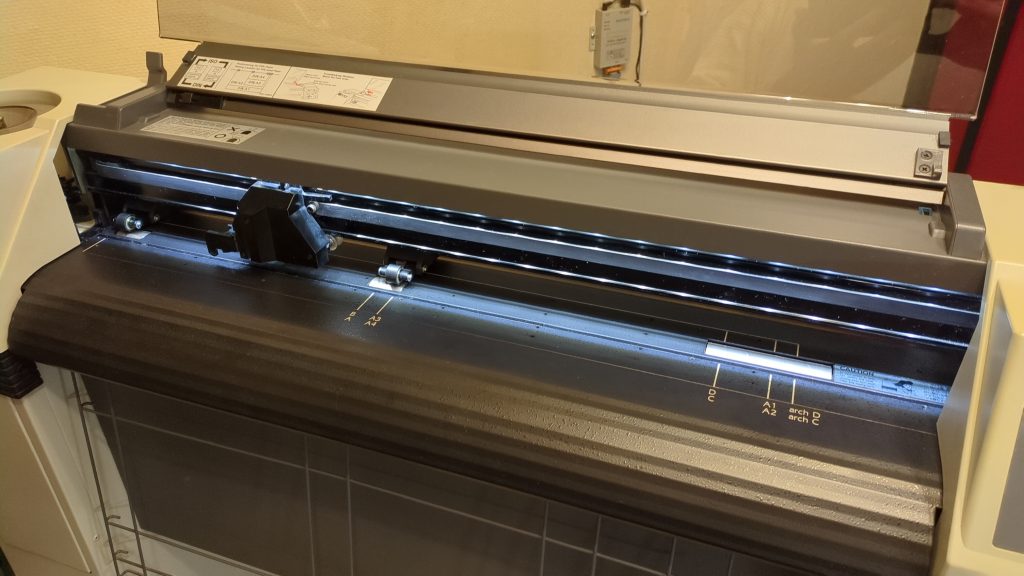
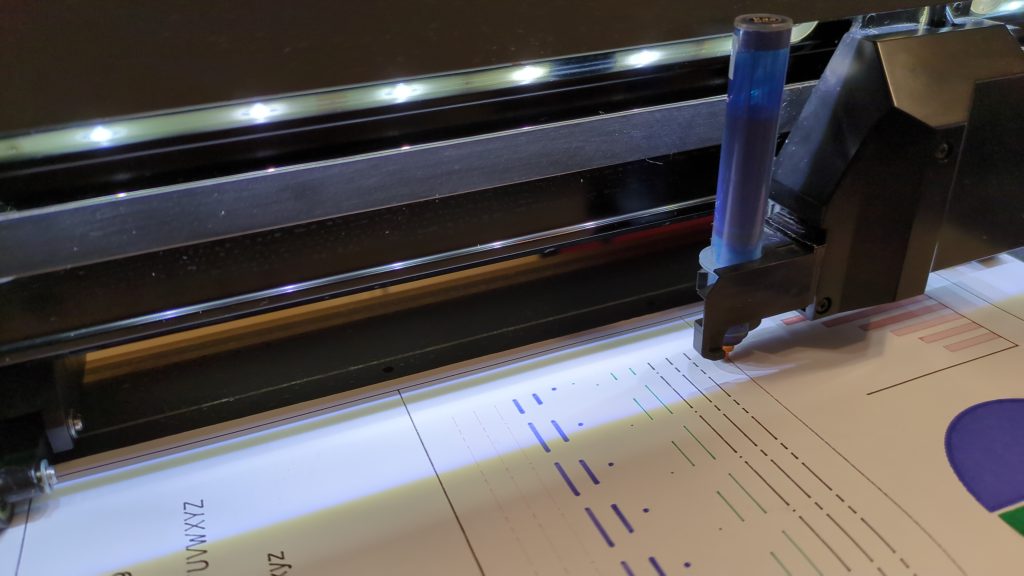
That’s a big improvement; we’re pretty pleased with that.
And finally a small and easy fix was to install new ‘furniture’ wheels with an M8 nut. The plotter is easy to move again and also quite a bit higher and easier to operate from a standing position again. Another good improvement.
All in all this seems to be a very nice and durable pen plotter for the studio. We have learned a lot about this unknown machine, but It still has a few secrets.
| Pros | Cons |
|---|---|
| Built-in storage for second carousel | Continuous fan noise (no idle stop) |
| Modern enough to still be functional | Large physical footprint |
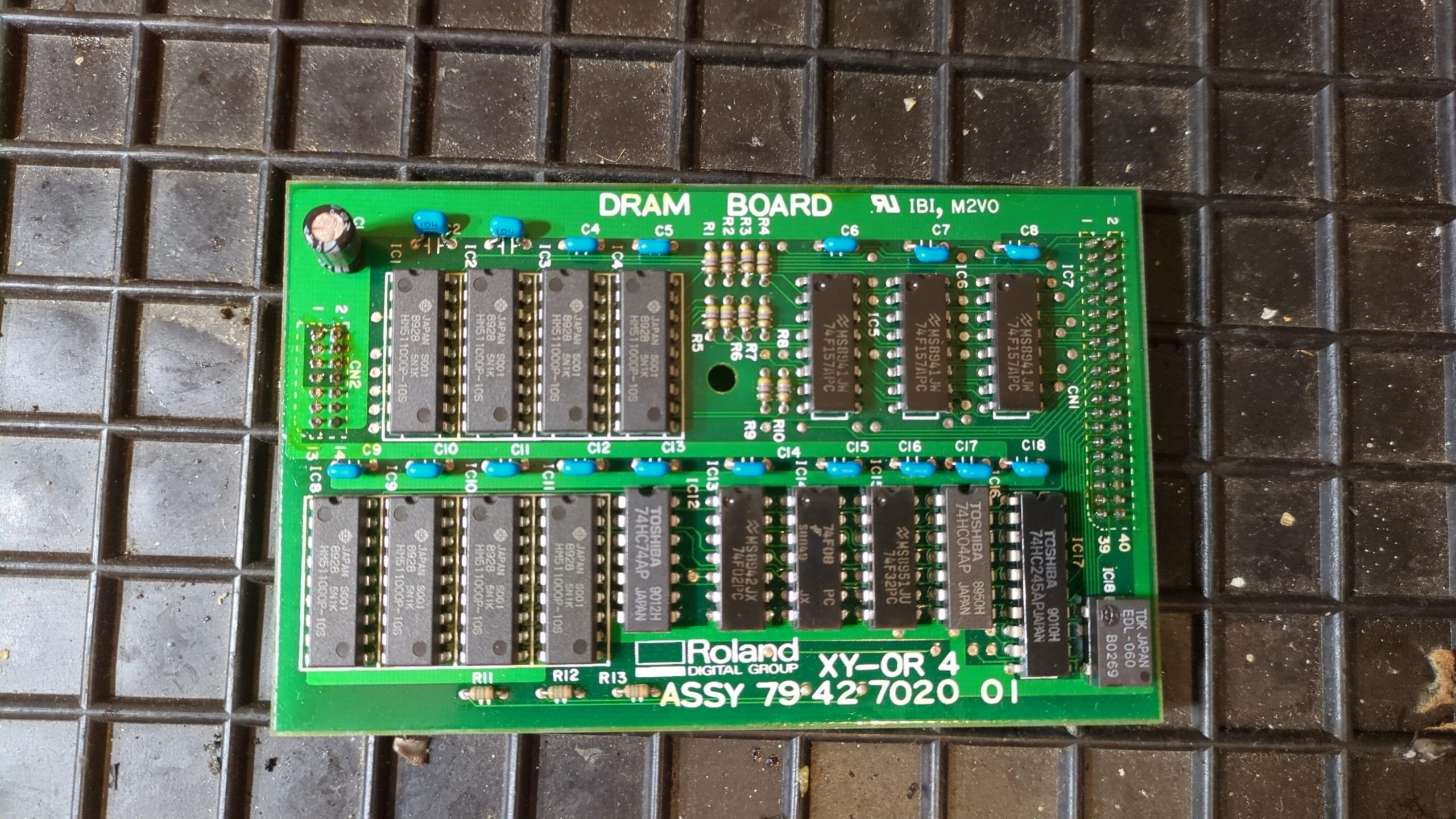
| Large data buffer (1MB) | No automatic paper size sensing |
| Gentle paper handling | Confusing contextual menus |
Do you know this machine?
Documentation on this Roland plotter is almost non-existent. If you’ve owned, serviced or even just seen one, we’d love to compare notes. Get in touch — anything we learn ends up in this post, credited.