


We have welcomed another big pen plotter to the fleet. The HP 7596A DraftMaster II.
I mean it’s really big. My better half dares to call it huge, but I’m still in the process of getting along and becoming friends with this beautiful beast so I’m all nice and friendly still.
The HP DraftMaster drafting plotters are ready to take on your toughest, most demanding plotter customer. With their exceptional performance, superior line quality, and solid reliability, each of these top-of-the-line plotters offers a potent combination of valuable features.
HP CHANNELS March 1987
The story began a couple of weeks ago when I started looking for a good A0 pen plotter to broaden the range of the current fleet. This plan was fast tracked because a customer asked for the biggest size I could plot. Now I had an excuse to finally get one. They appear sporadicly in local Dutch classsifieds, but since I live close to the German border looking on Kleinanzeigen can be fruitful sometimes. Sure enough, there were some candidates and the DraftMaster II got my attention. It looked to be an abandoned project. Just as my DraftPro it was destined to be adjusted to be a vinyl cutter, but it never got done in the end.
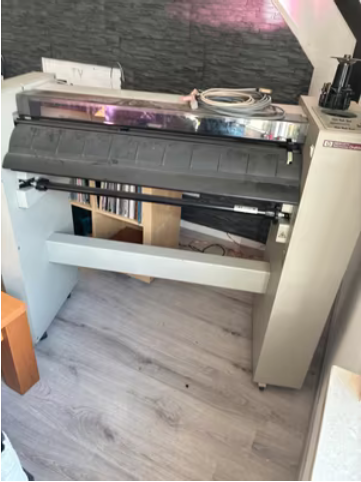
I contacted the seller after a healthy hesitation period (to beat ugly FOMO feelings) and Günter was kind enough to answer all my questions and we planned for a pickup meeting. It was a 4 hour drive and needed some preparation on both sides. I discovered that the machine was too big to fit in my car and it didn’t fit the trailer sideways neither. I had to figure out a way to safely hold the machine (on wheels mind you..) in the middle of the trailer. And Günter had promised to get the machine downstairs with some help, so we only needed to lift it into the trailer once I arrived.
After some days, in the early morning of a bright sunny winter day the trip to Niedersachsen was carried out. It was a nice and easy going trip passing very interesting and beautiful sceneries. Once off the Autobahn it was even more pretty and enjoyable.
Around noon I arrived after 4:20 hours driving at Günter’s and the plotter was already waiting for me in the garage. Günter is a very nice chap and we talked a bit about my business, the plotter and how it came to this point. He was very pleased that I showed interest and that I was going to put new life in it. He told me it was for sale for many years and he really was afraid he had to bring it to the dump because there were no serious buyers at all.
Together we could easily lift the 75kg heavy machine in the trailer and we then secured it properly. While preparing for the haul I figured out that the base has screwable feet to put the plotter level and sturdy on the floor. I used these feet to overcome the wheels from rolling as mentioned earlier. I did a final check and drove back home.

The trip went flawless and again was nice and with 4:30 hours also fairly quick. After unloading it I could have a good look and the plotter didn’t seem to be damaged by the straps during the trip at all. All seems well intact and the machine doesn’t seem to be heavily used. It was dirty, but it would clean up very nice I was sure.
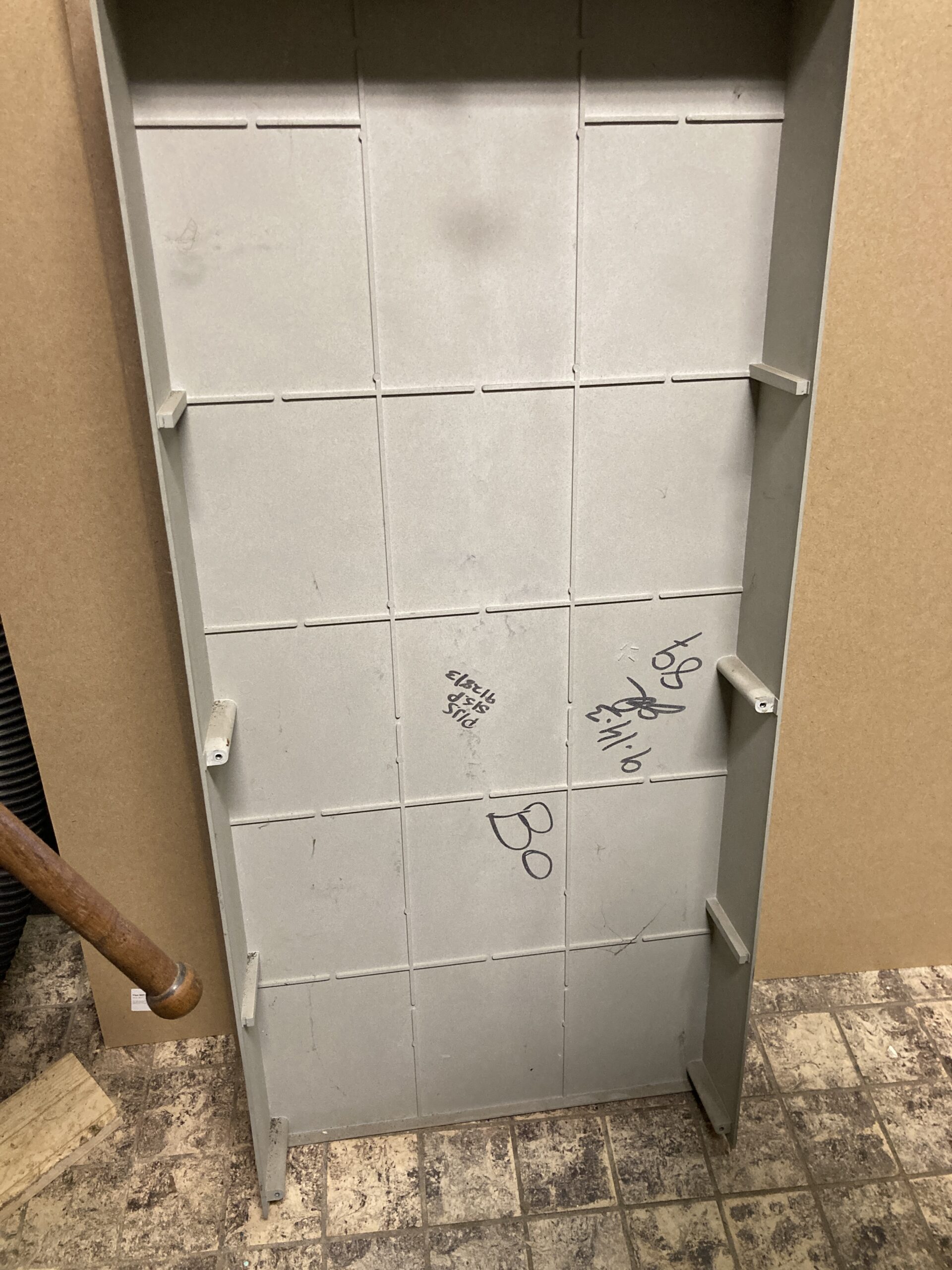
After taking off the covers, for inspection of the belts and bearings, I noticed some markings on the inside of the side covers. Maybe someone recognizes this? Guess it’s from around 1989.
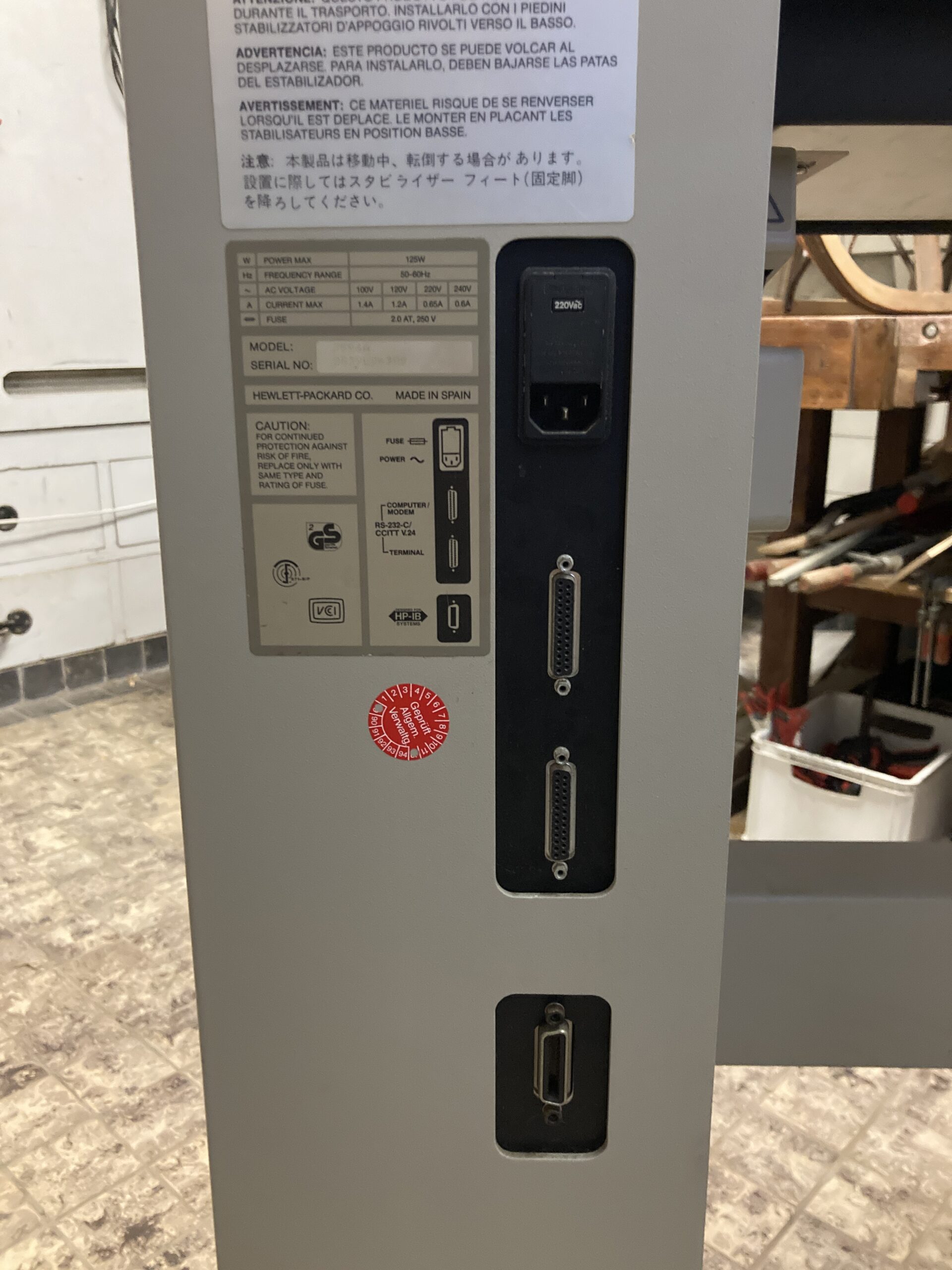




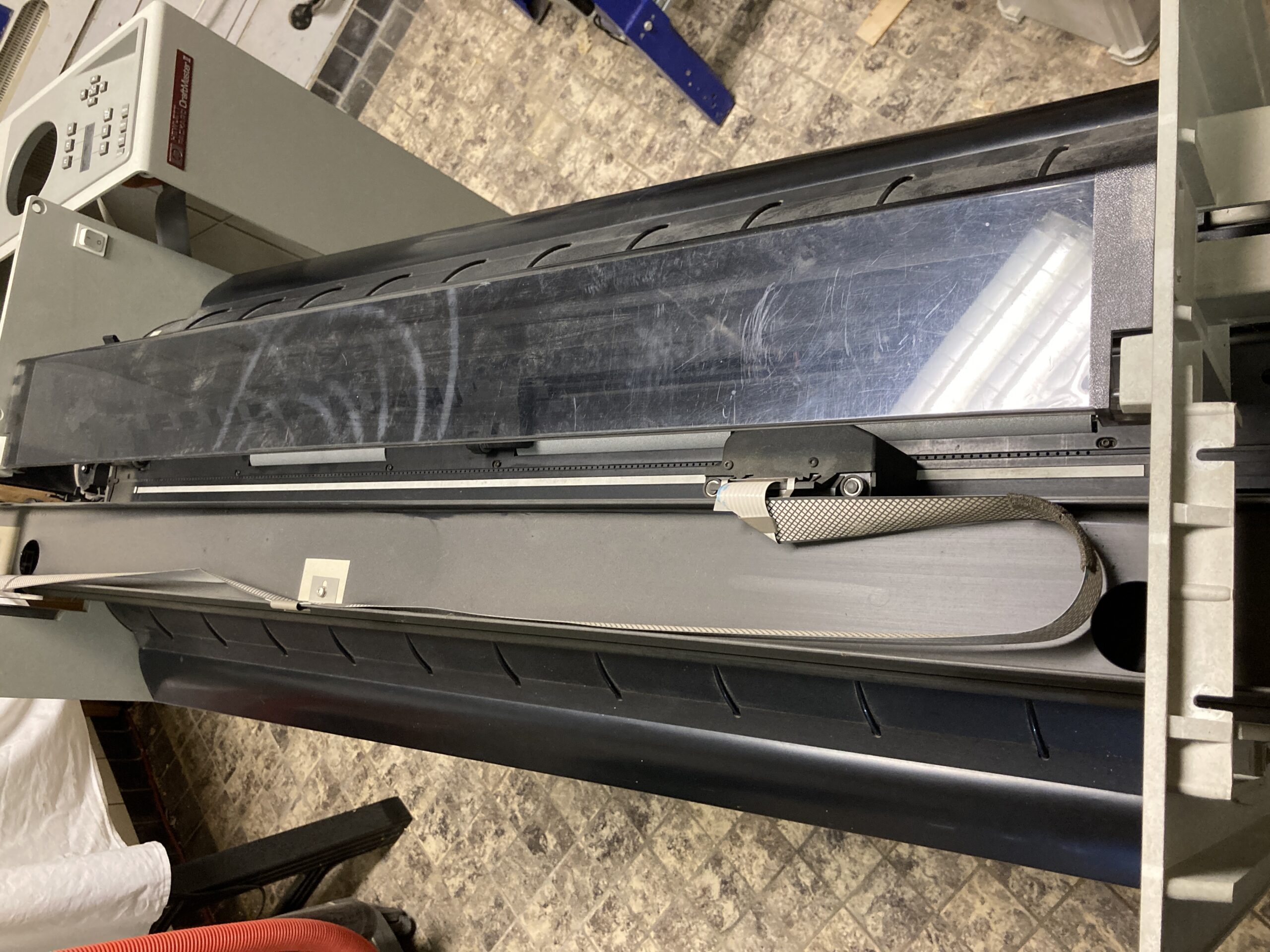
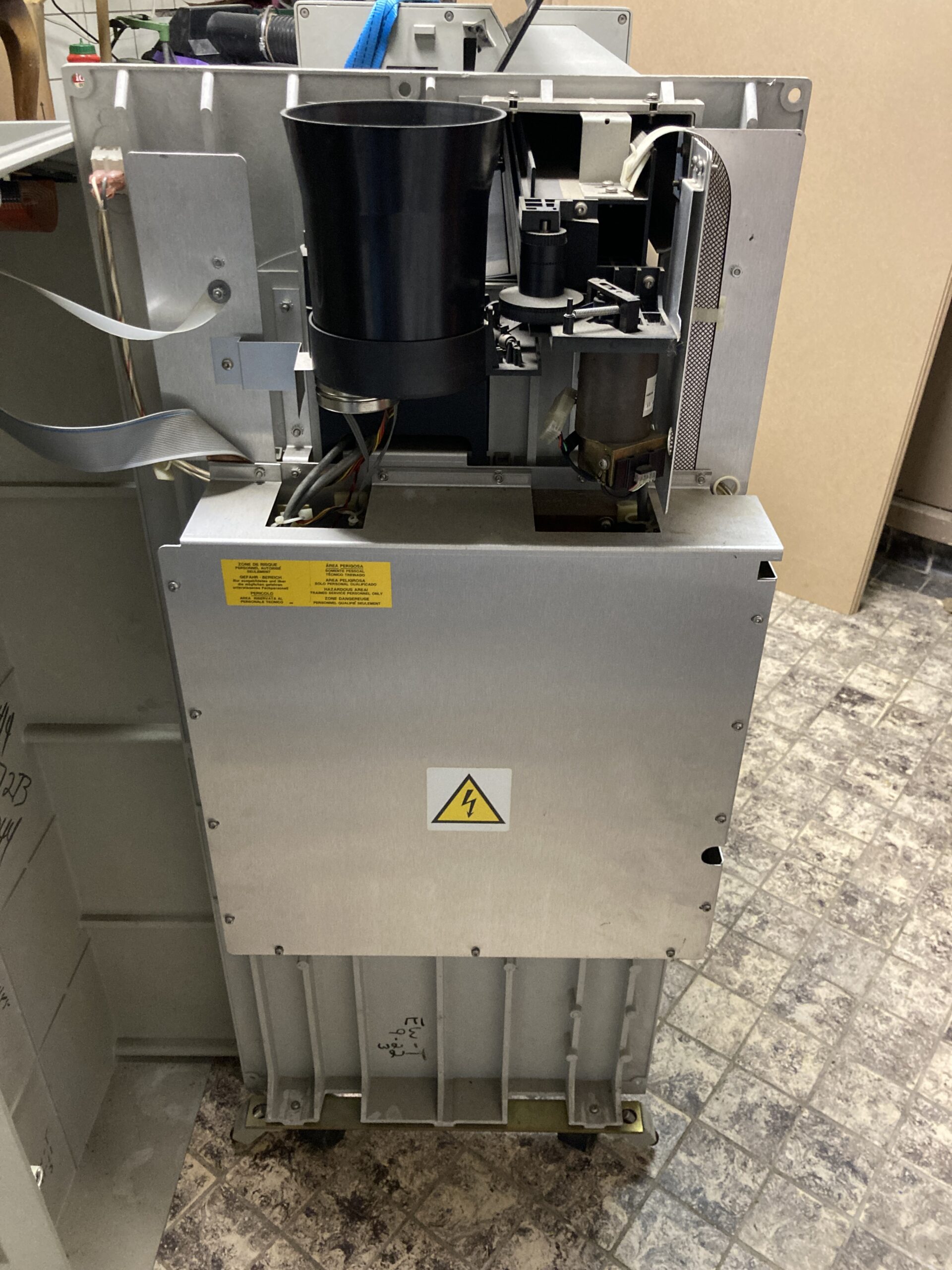

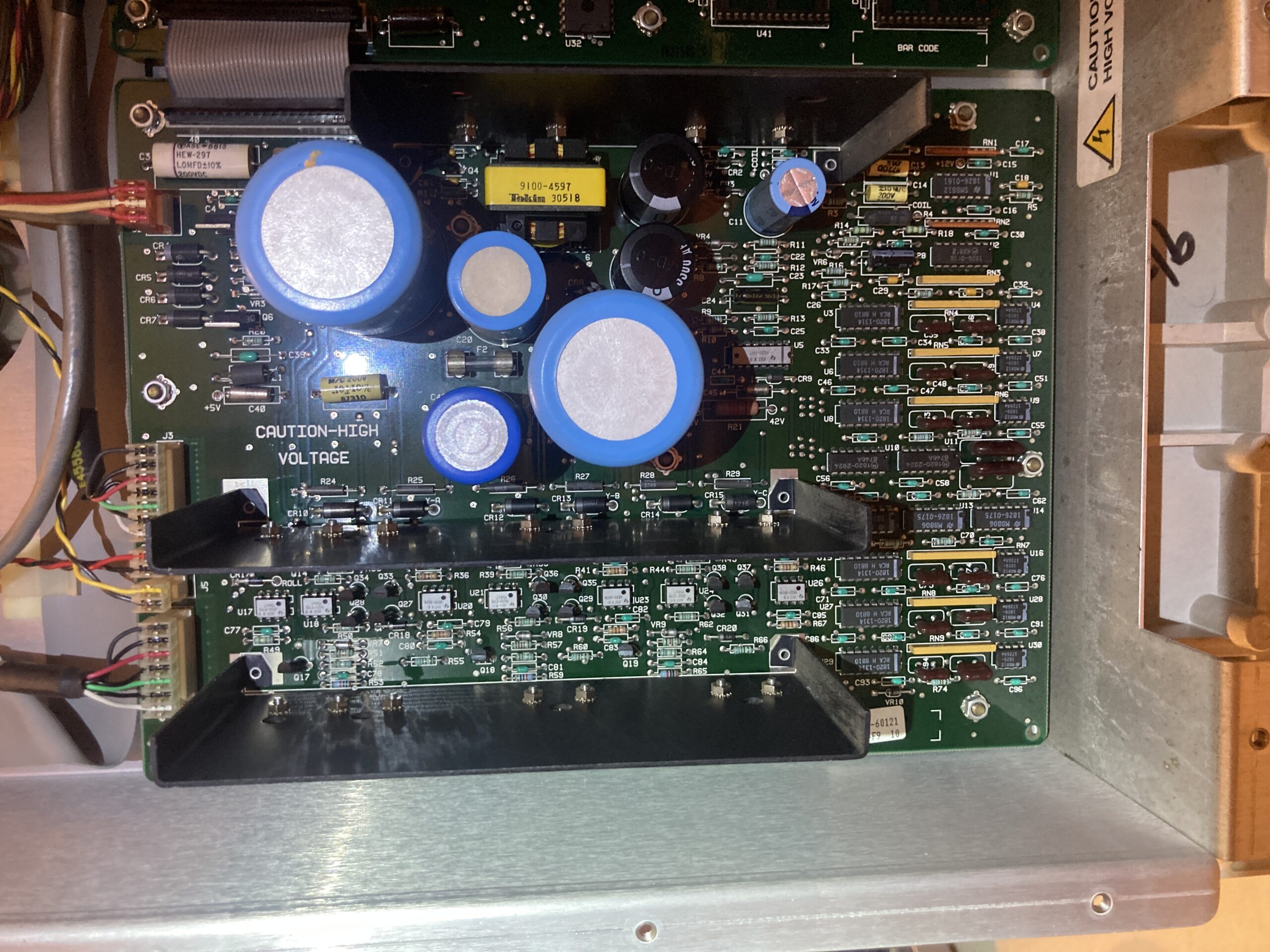


Before turning it on, I gave it the usual TLC it deserved.
Noticible was the amount of dust and sigarette smoke smell that came out. After a good clean the plotter almost looks like new. Visible scratches are on the plastic window/cover but for the most part it’s a beauty.


The first demo plot went fine, but all the ones after that failed half way. It took me a while to figure out what was going on. The message was: “Check Pen And Paper”, which I did of course, but there is no way to continue.

From the hardware manual:
CHECK PEN AND PAPER
A Z-Axis failure has occurred while plotting. Possible causes are:
a. Excessive wear of pen tip.
b. Drafting pen adapter not screwed on.
c. Pen fell out of pen claw.
d. Torn media.
e. Plotter needs mechanical calibration.
The pen carriage contains an optical reflective sensor which is used for digitizing and calibrating the plotter. This seems to be the culprit, because a-d are all fine.
I cleaned the sensor, for what it’s worth and nothing I did seemed to change much. Then I remembered a quite similar issue I had with the Graphtec CE5000 Cutter which couldn’t recognize the calibration marks on the sheets. This appeared to be caused by the LED lighting in the room! Could this be the same?
Sure enough.. Plotting in the dark was the solution… Yeah No.. I’d rather not.
I seems that some -not all- LED lights also operate in the infrared spectrum, so changing to other lighting could be helpful. (It’s also more relaxing for birds.) I have to look into that some more, but for now the DraftMaster is finishing the plots as expected.
I did many tests with sheet paper and rolls and the results are pretty good. The results are also repeatable, which is very nice too.
There are some minor issues still:
It’s a keeper. A huge upgrade to the fleet. There I said it. It’s Huge!
I’m still blown away by the speed and direction changes it can produce. Many plots finish way quicker than on the other fast plotters. I did some comparison tests and it’s substantial. And the efficiency seems to be mainly in the drawing execution, not the maximum speed of the motors. I can image the 10 MHz 16-bit 68000 microprocessor was a big game changer back in the day. From the Technical Data Sales brochure:
High Performance
The DraftMaster plotters have a maximum pen speed of 60 cm/s (24 in./s), acceleration of up to 5.7 g, and a host of built-in intelligence features. HP’s pen sorting function trims plotting time by minimizing pen changes. The DraftMaster plotter scans a plot program to combine pen-up/pen-down moves wherever possible. The bi-directional plotting feature further increases drawing efficiency by automatically starting the next line segment at its nearest endpoint. And the powerful 10 MHz 16-bit microprocessor enables the HP DraftMaster to draw numerous short lines quickly, a real advantage in lettering.
It fascinating to see the beast at work. The first production piece it made was a Mushroom plot (Cloudy Clitocybe) and it’s just shocking how much faster it is compared to the other big beasts.
On A2 paper, 3 pens, 172 meter pen down, the completion times are:
The quality/endresult of the plot is not easy to compare since I couldn’t use the same pens, but they are in the same ballpark at least. The Benson is the quietest of the bunch (this is such an elegant plotter!). The DraftPro is probably the easiest and most forgiving to use.
So there you have it. From classifieds to production in one story. I hope you like it.
Please share and keep enjoying being a plotter enthusiast!

The iconic cover of Joy Division’s legendary debut album “Unknown Pleasures” (1979) features a striking image of a pulsar’s radio waves. I always liked Joy Division (and New Order) and thought it would be a fun project to recreate the Ridgeline plot on a period(-ish) correct pen plotter. In this post the approach will be outlined without getting too much into details.
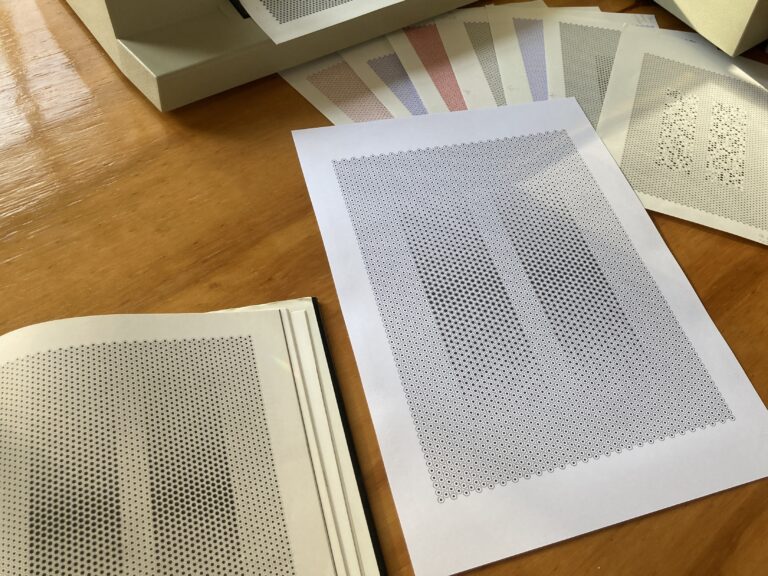
While browsing through the book ‘Colour’ I noticed a fascinating drawing in black ink on white paper that changes colour right before your eyes.
This and more about recreating this artwork from the artist and teacher Arthur Hoener (1933-1987) after the jump.

We got some new gear. Really nice old sturdy gear from 1988. We were having a blast with it while testing and fixing problems.
Note: We’re not interested in ads, spam and other productivity undermining emails.